20 free templates
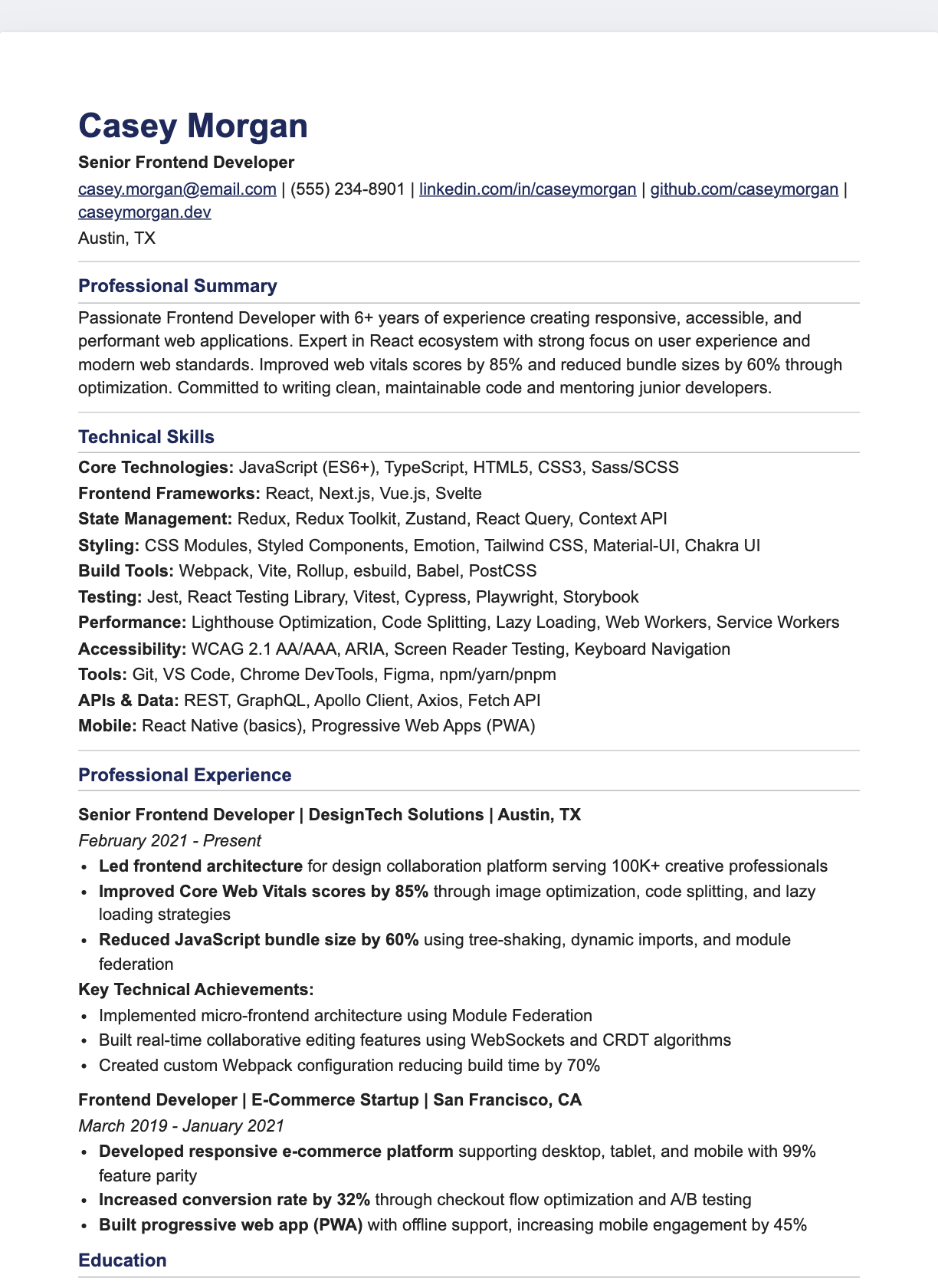
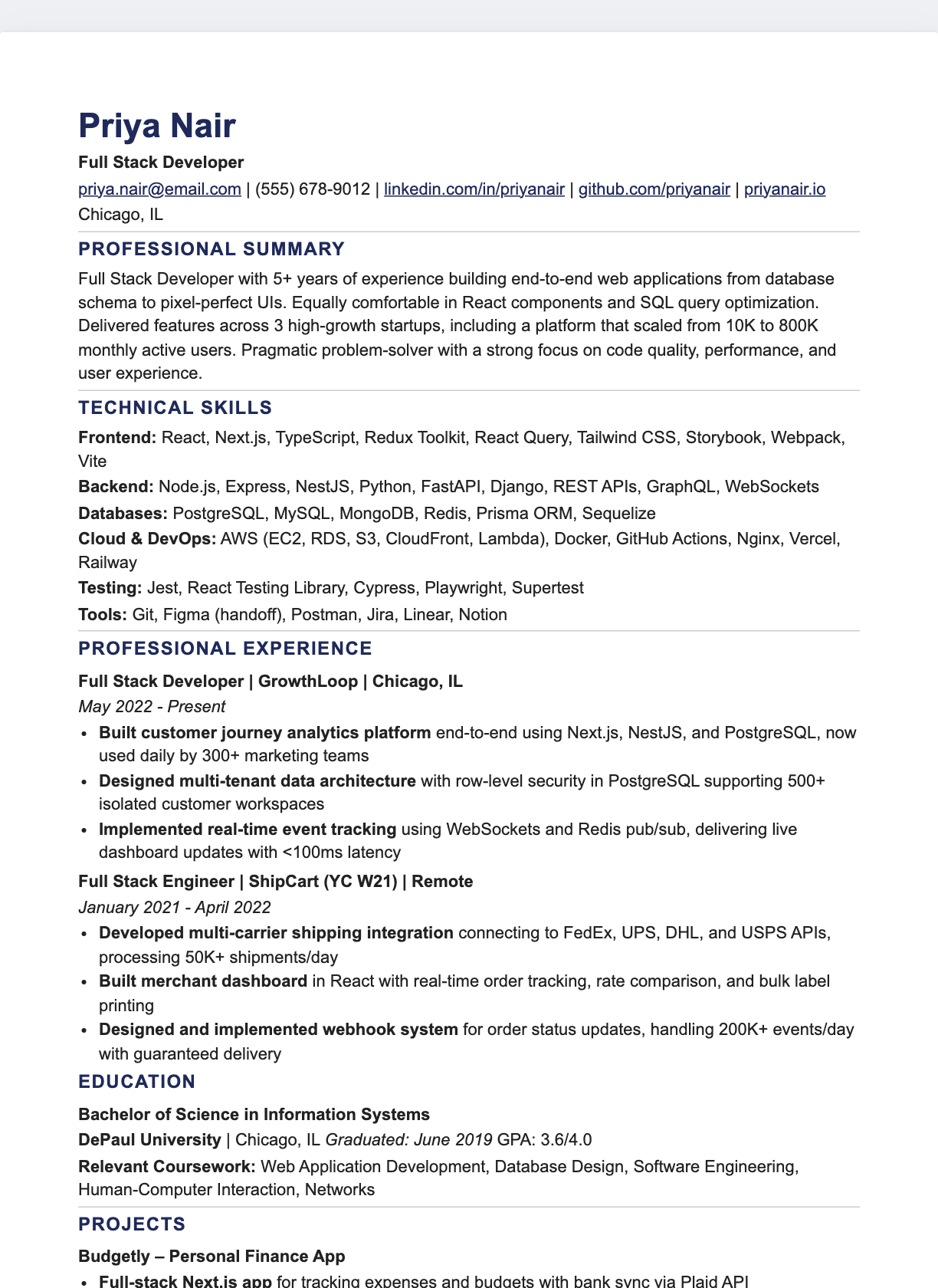
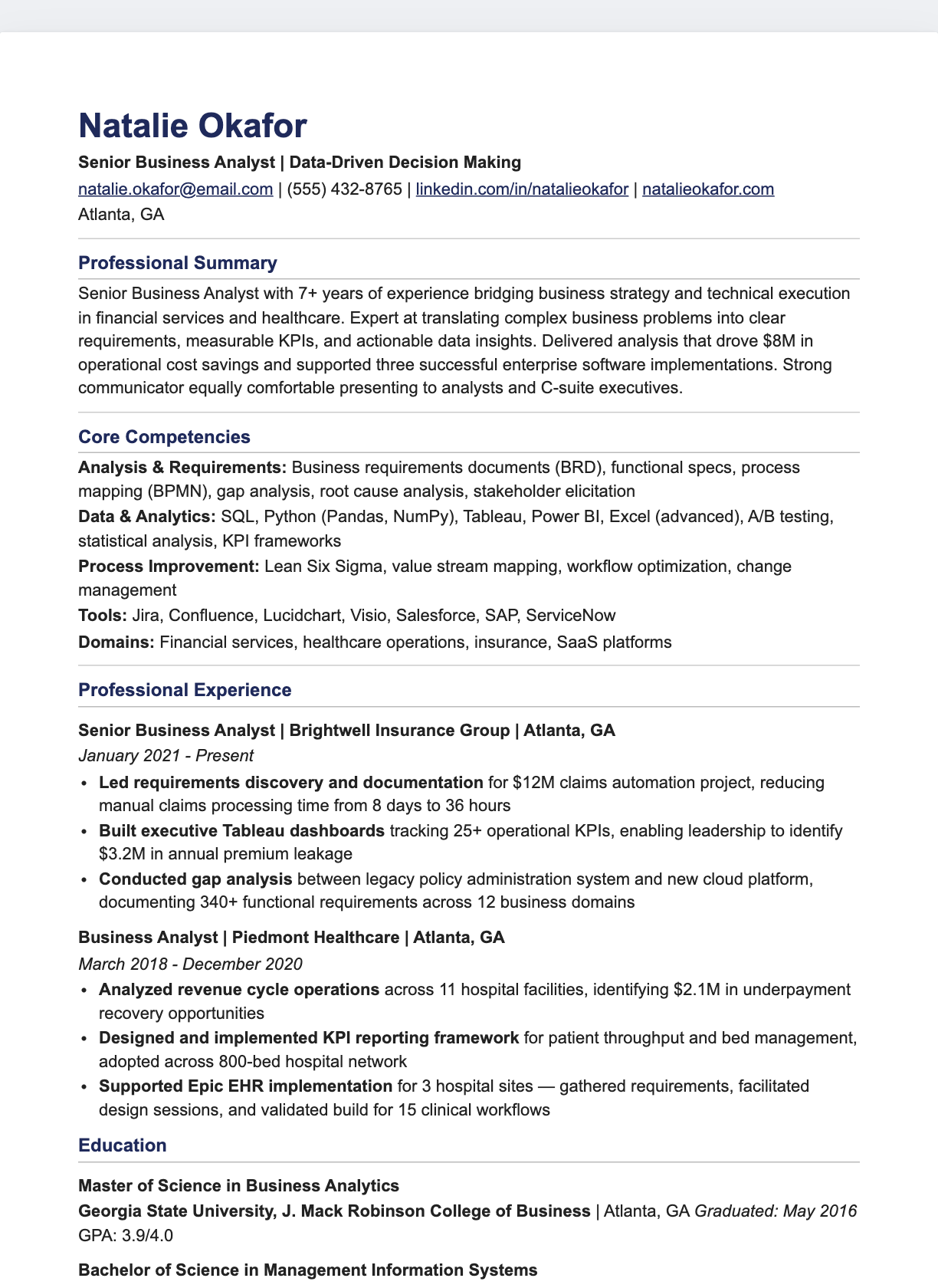
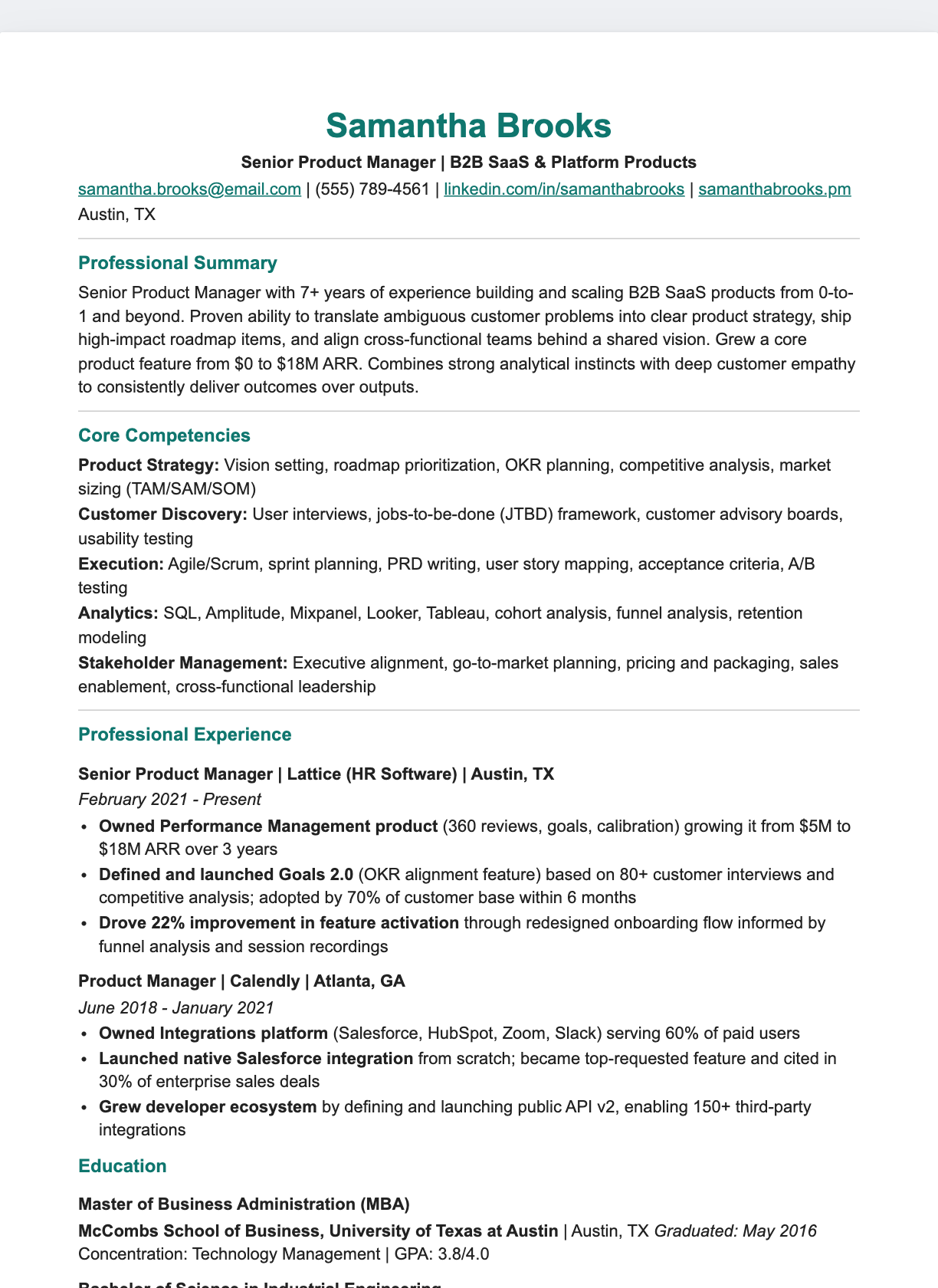
Google Docs Resume Templates — Free, One-Click Copy
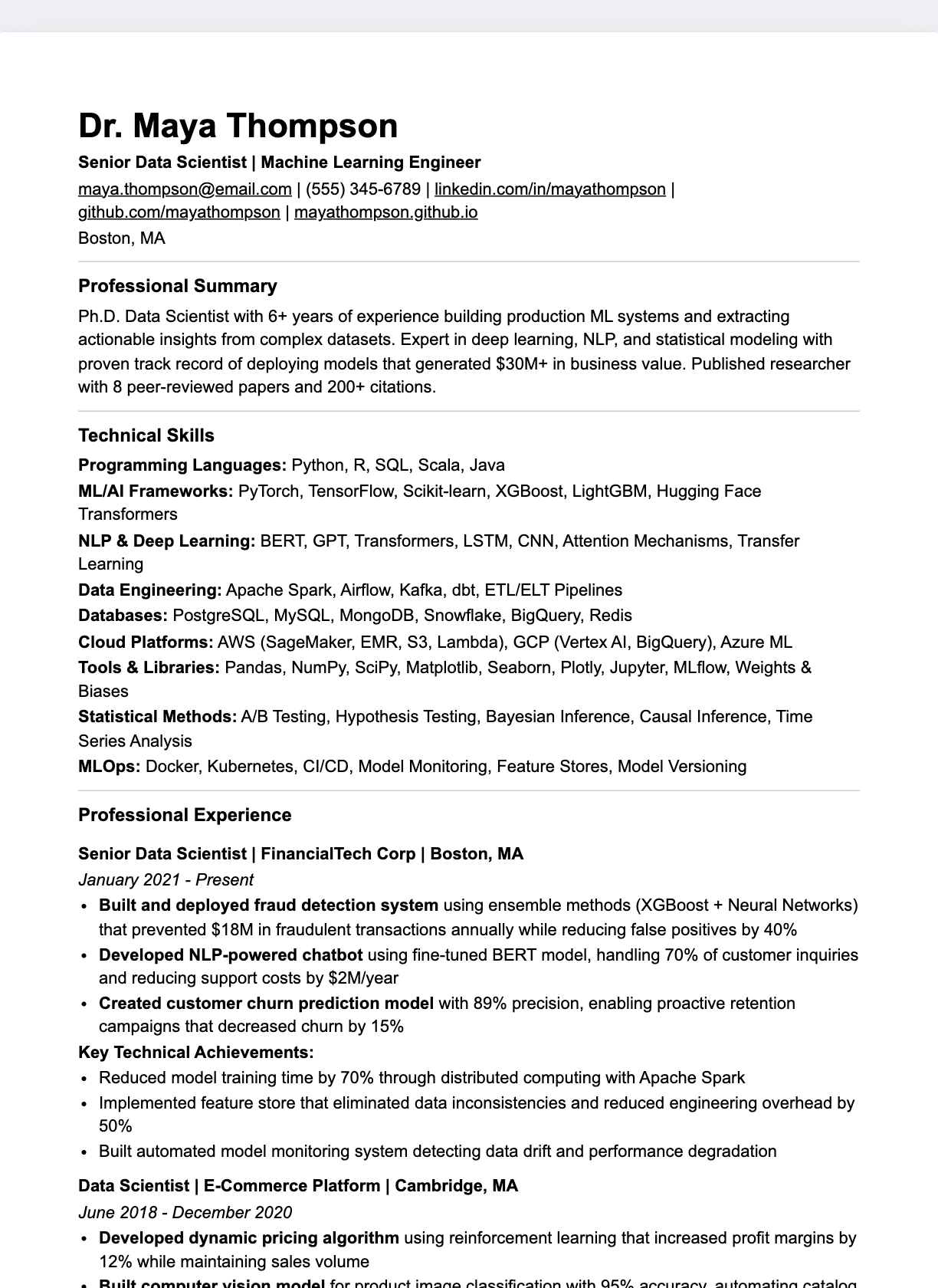
Each template is a live Google Doc. Press Make a copy, and an editable resume opens in your own Google Drive — no sign-up here, no downloads to manage. Pick a style, replace the sample text, and download a PDF from the File menu when you're ready.
Professional
Modern
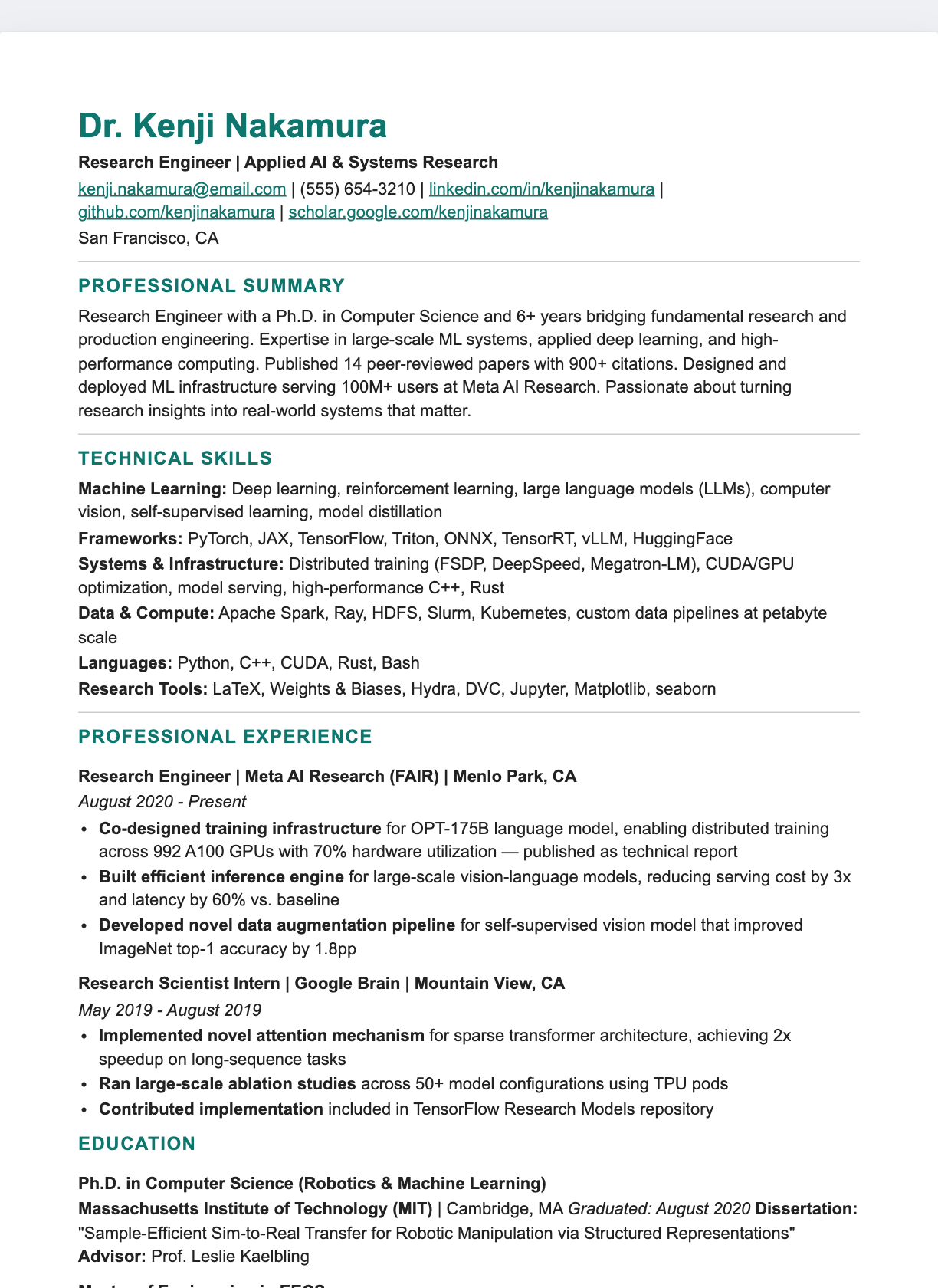
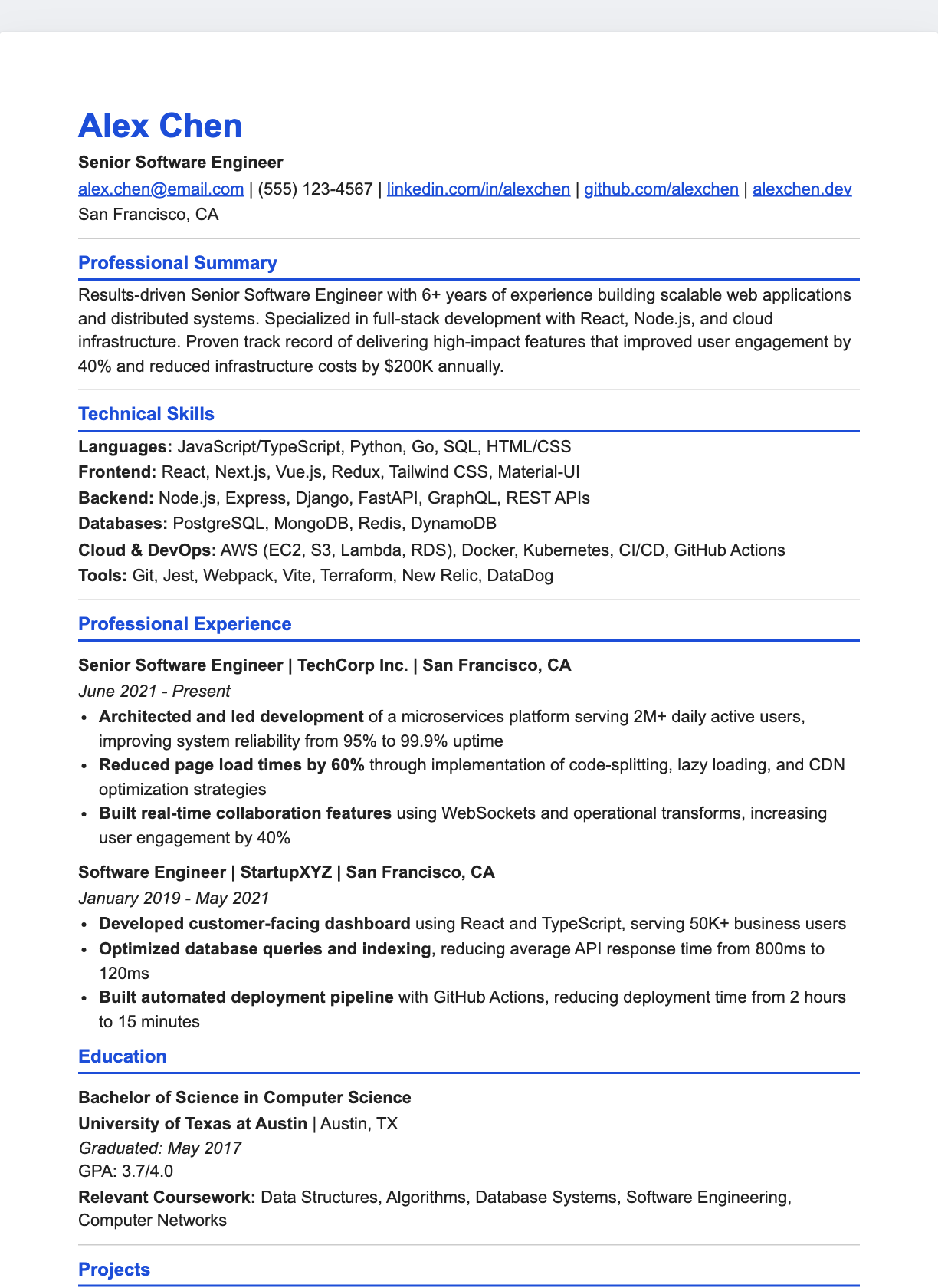
Classic
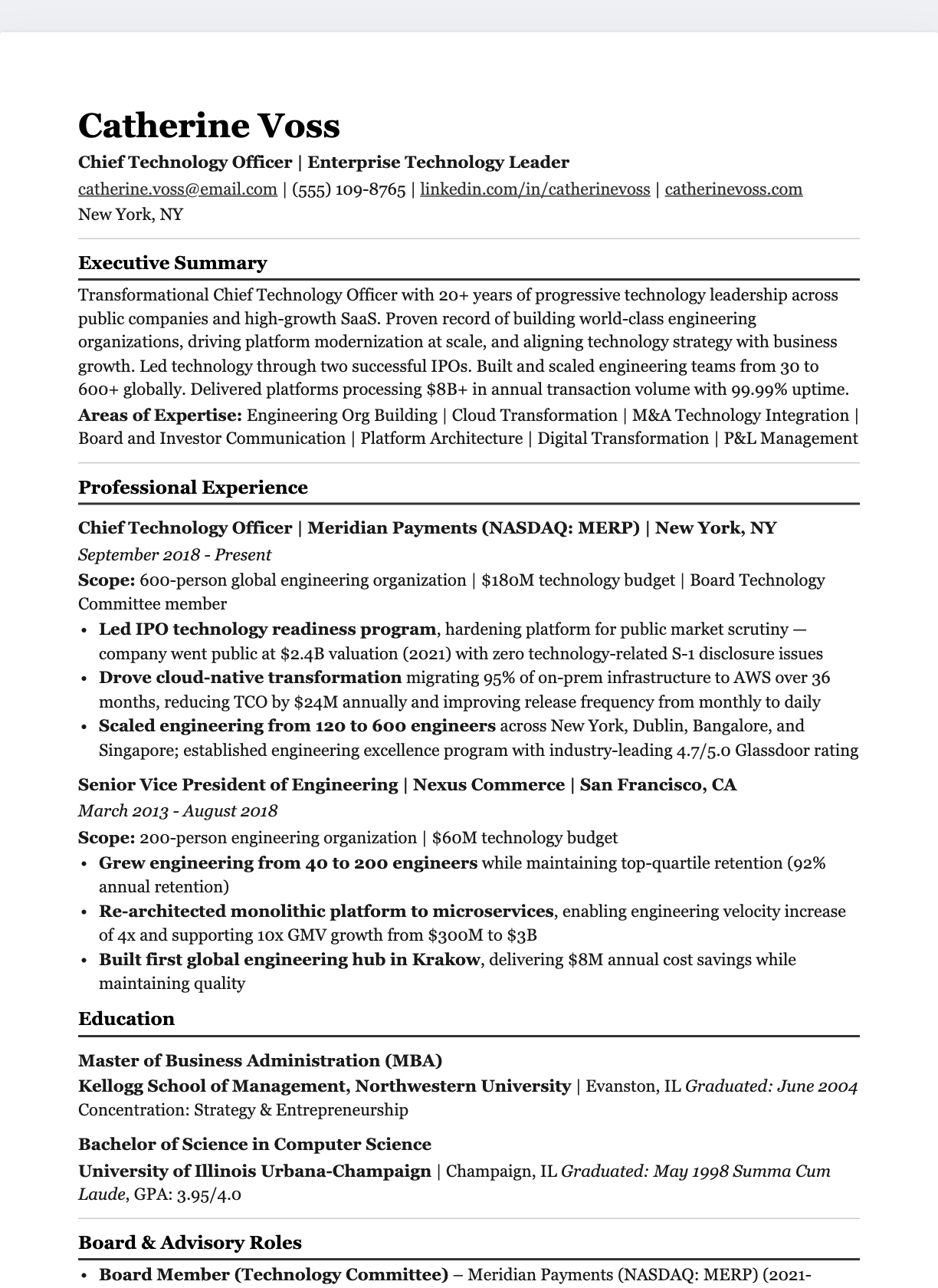
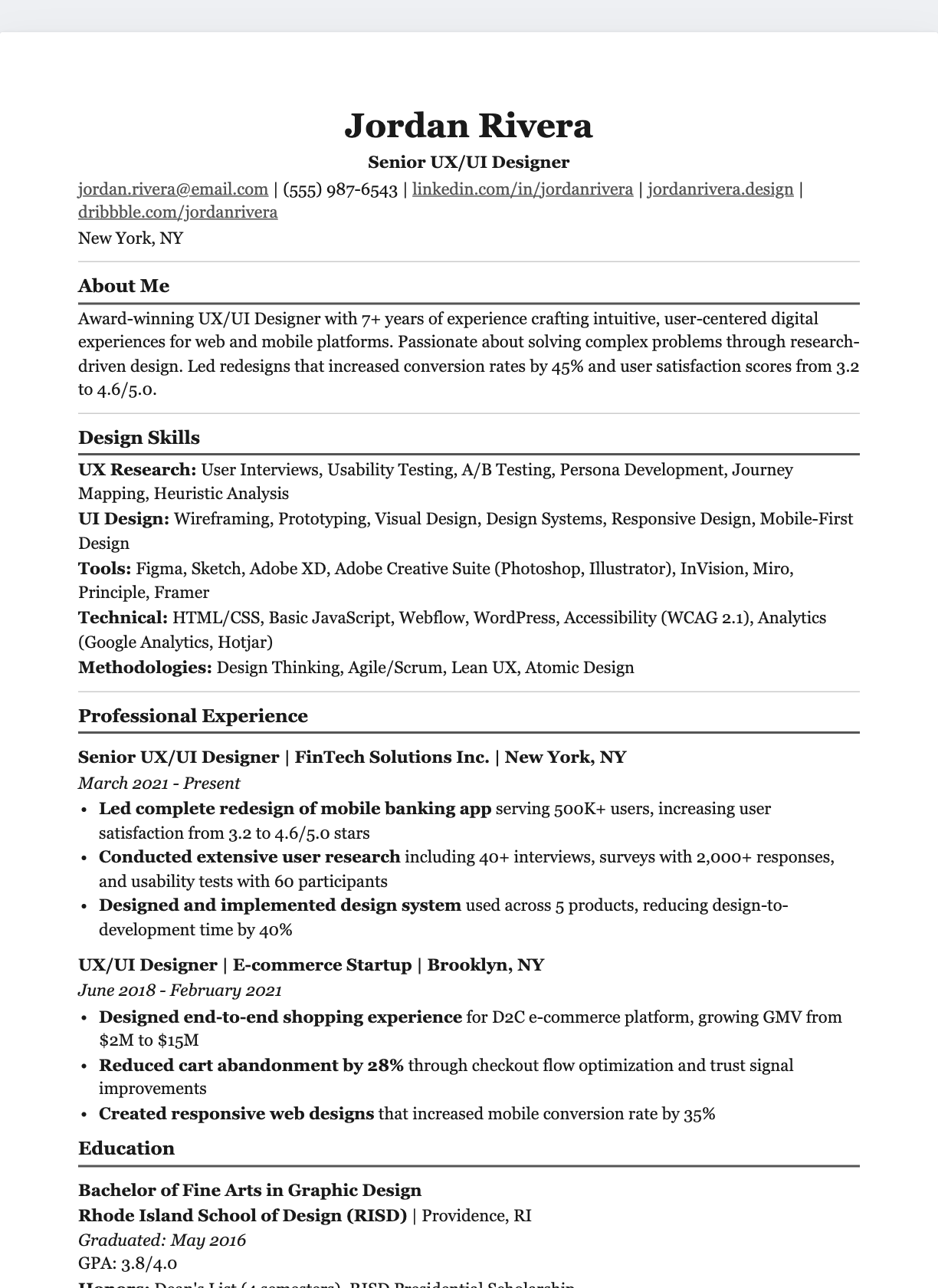
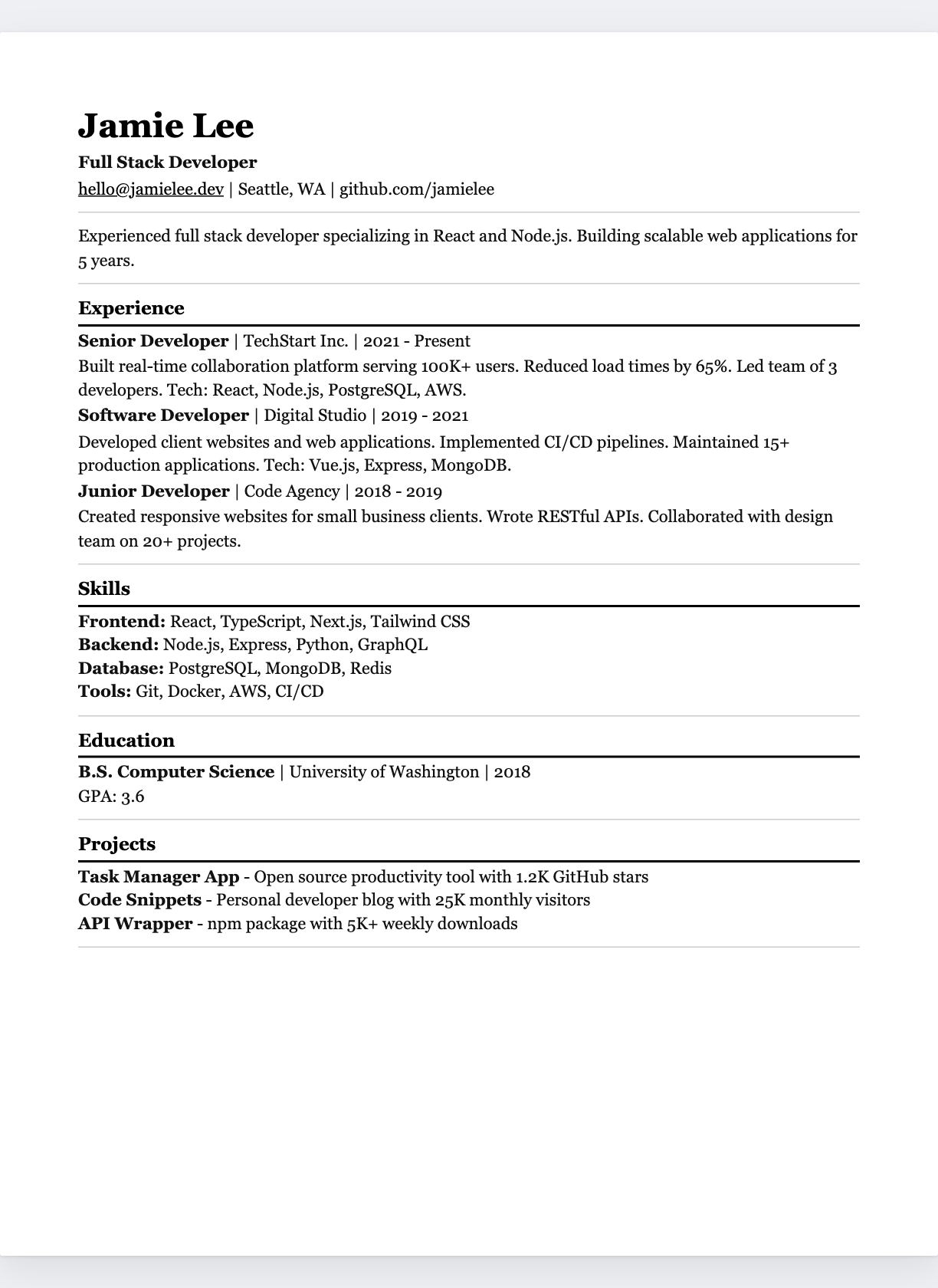
Creative
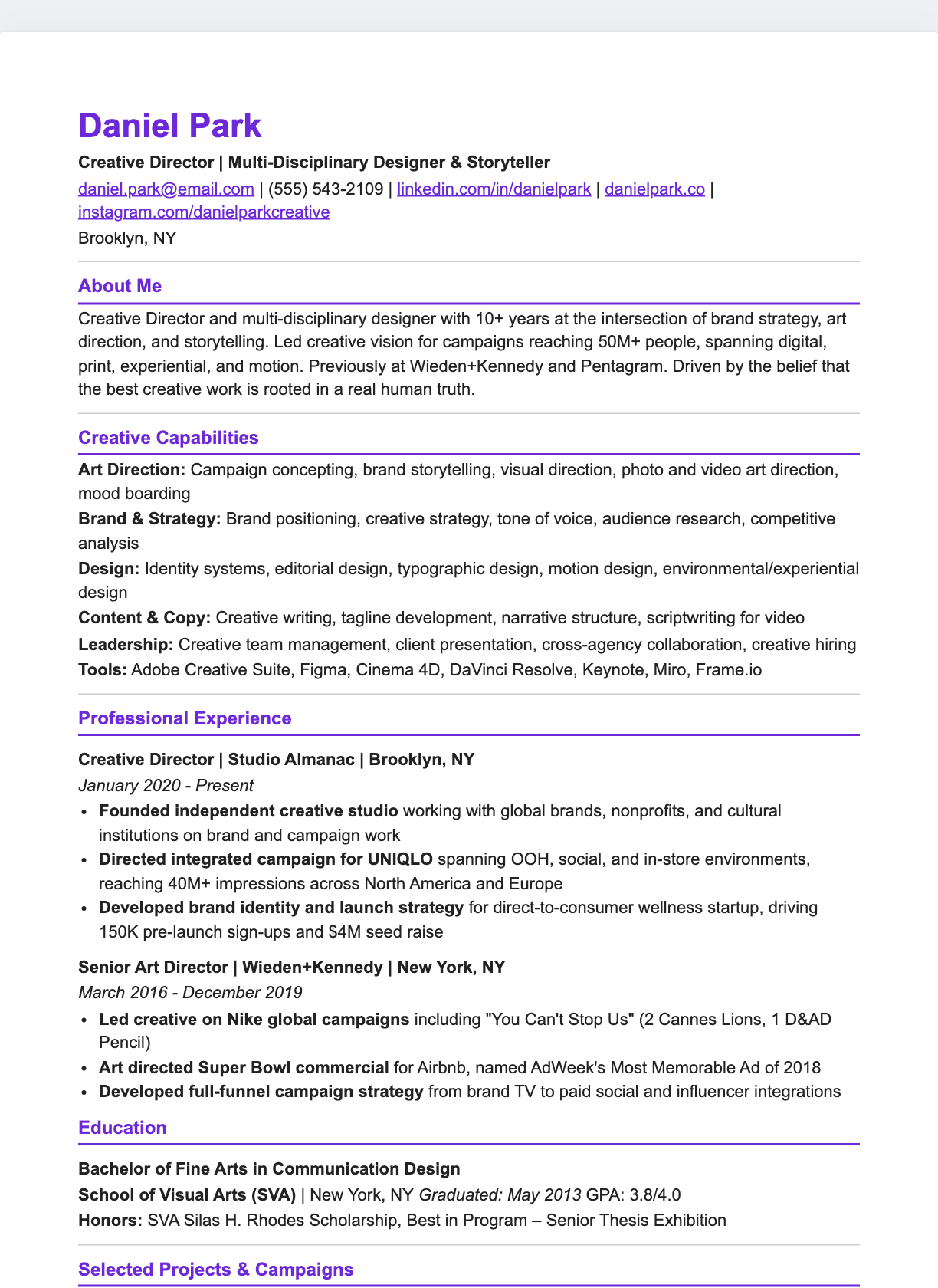
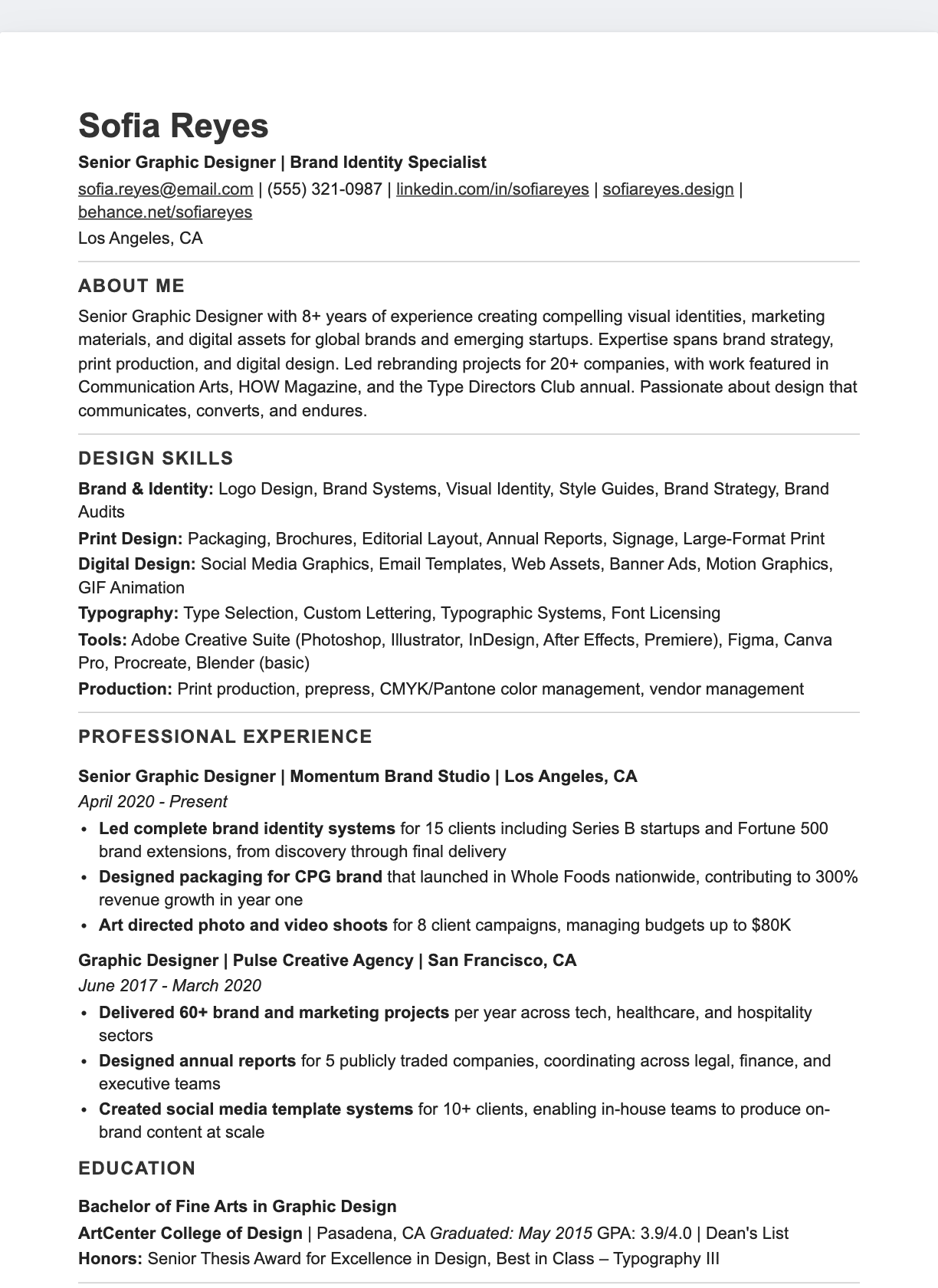
Technical
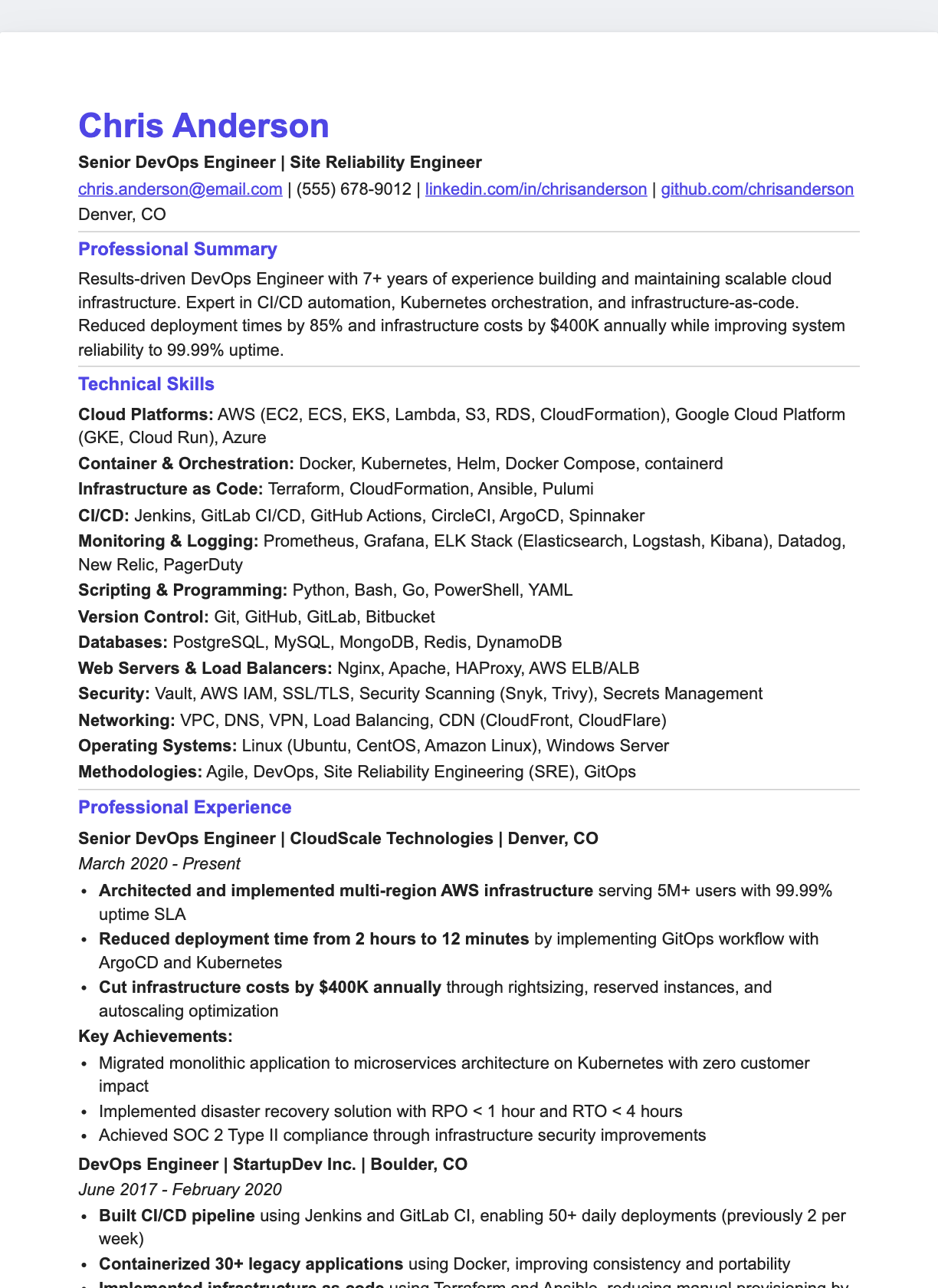
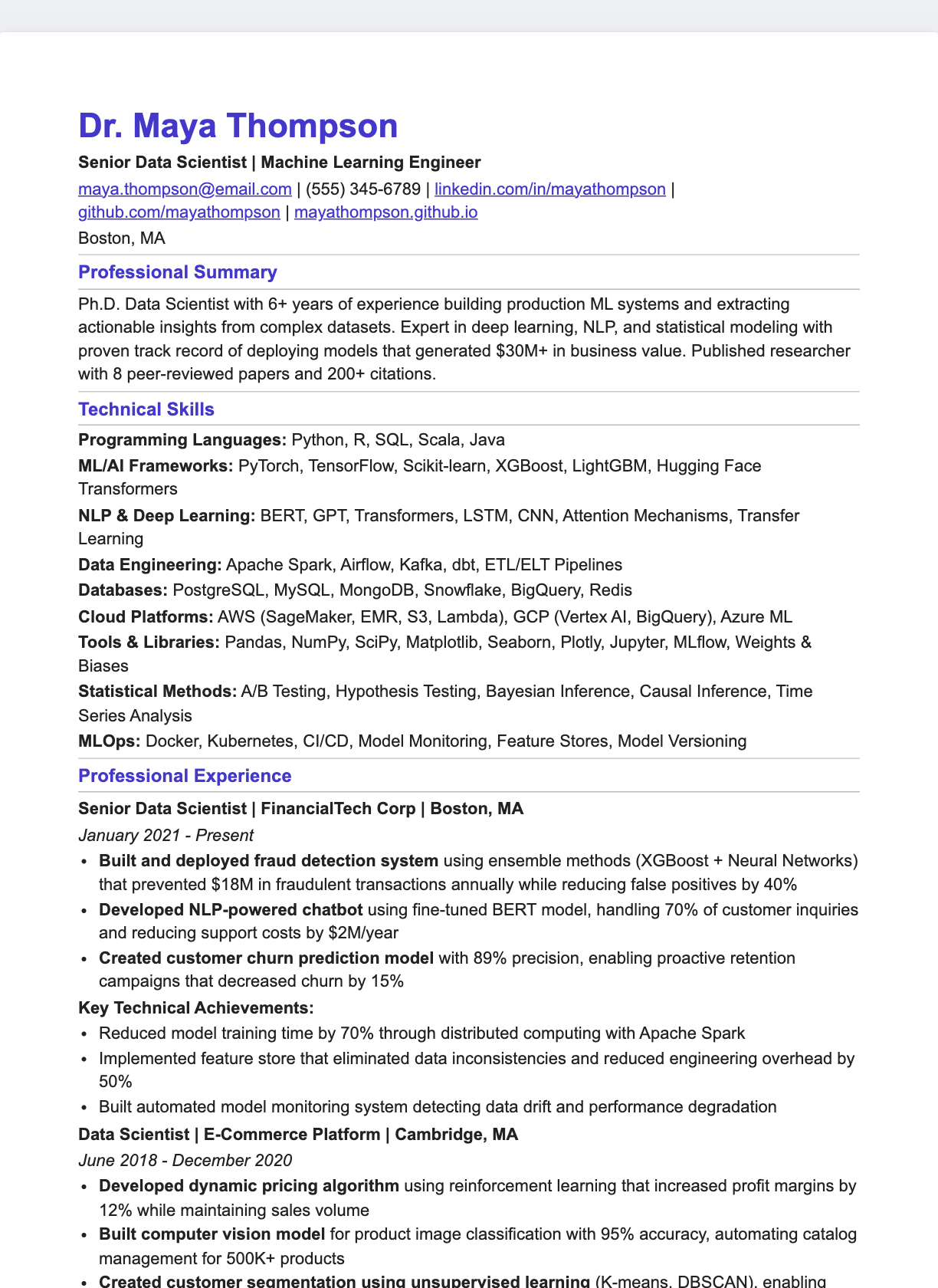
Executive
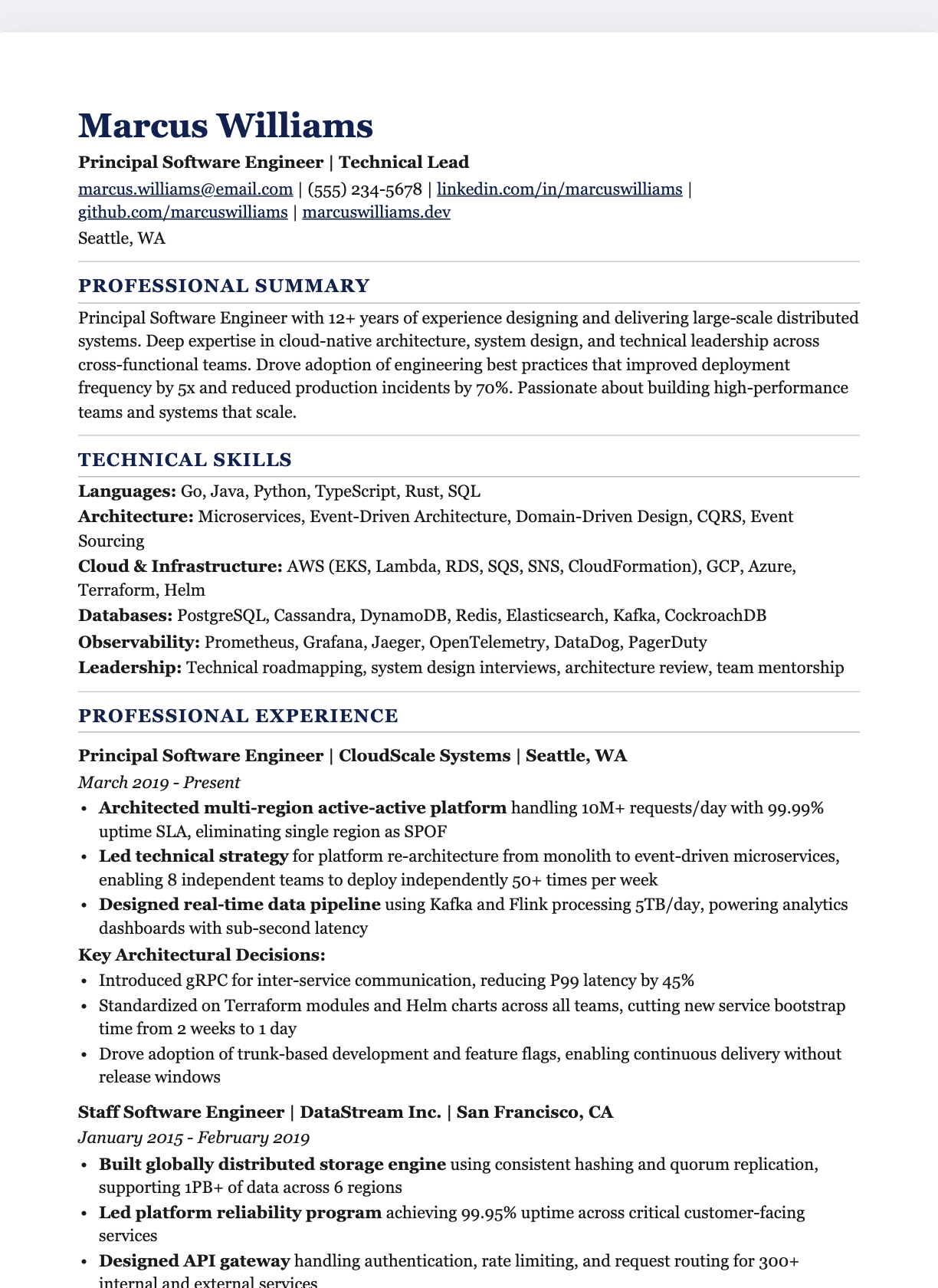
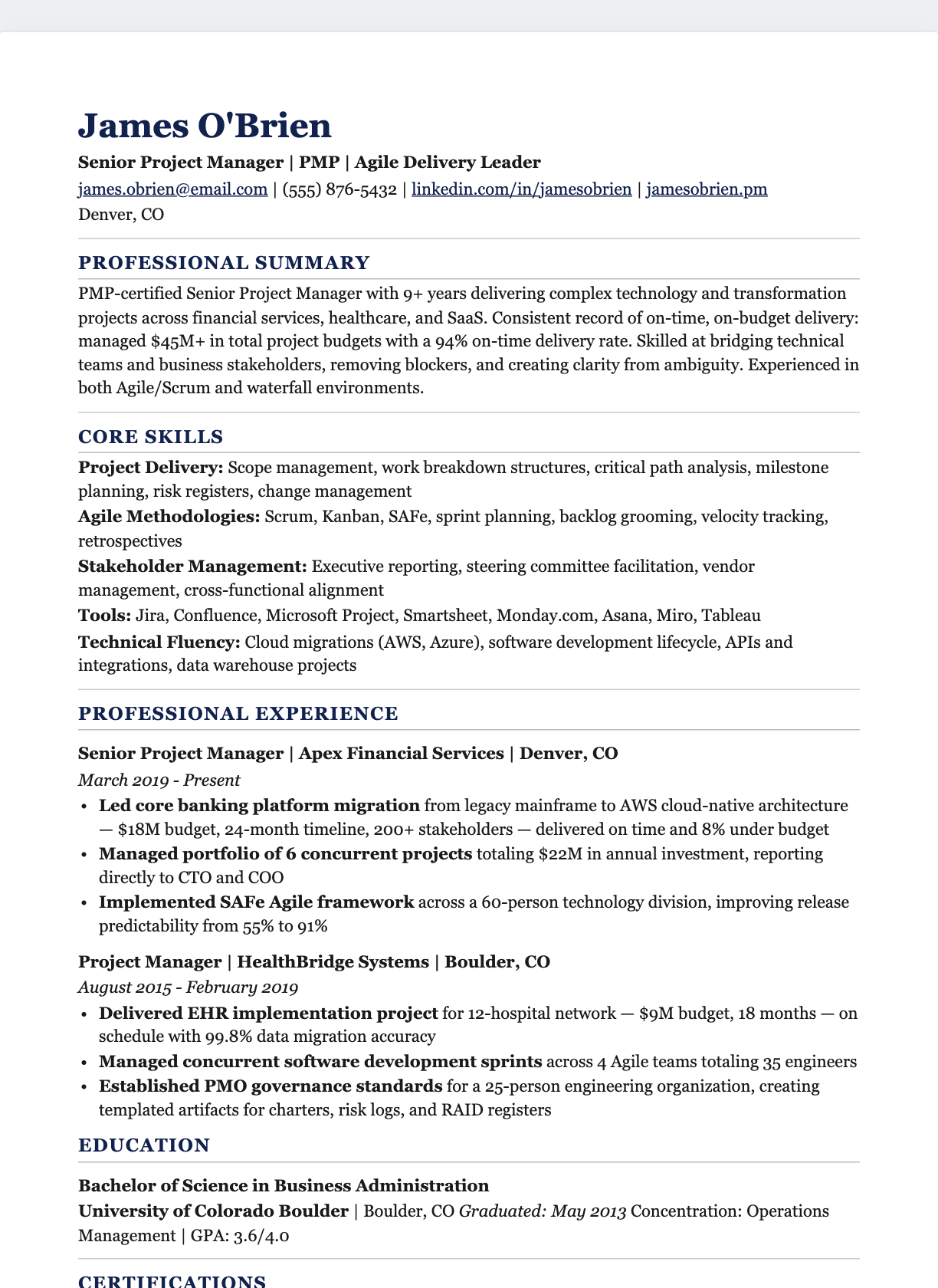
Academic
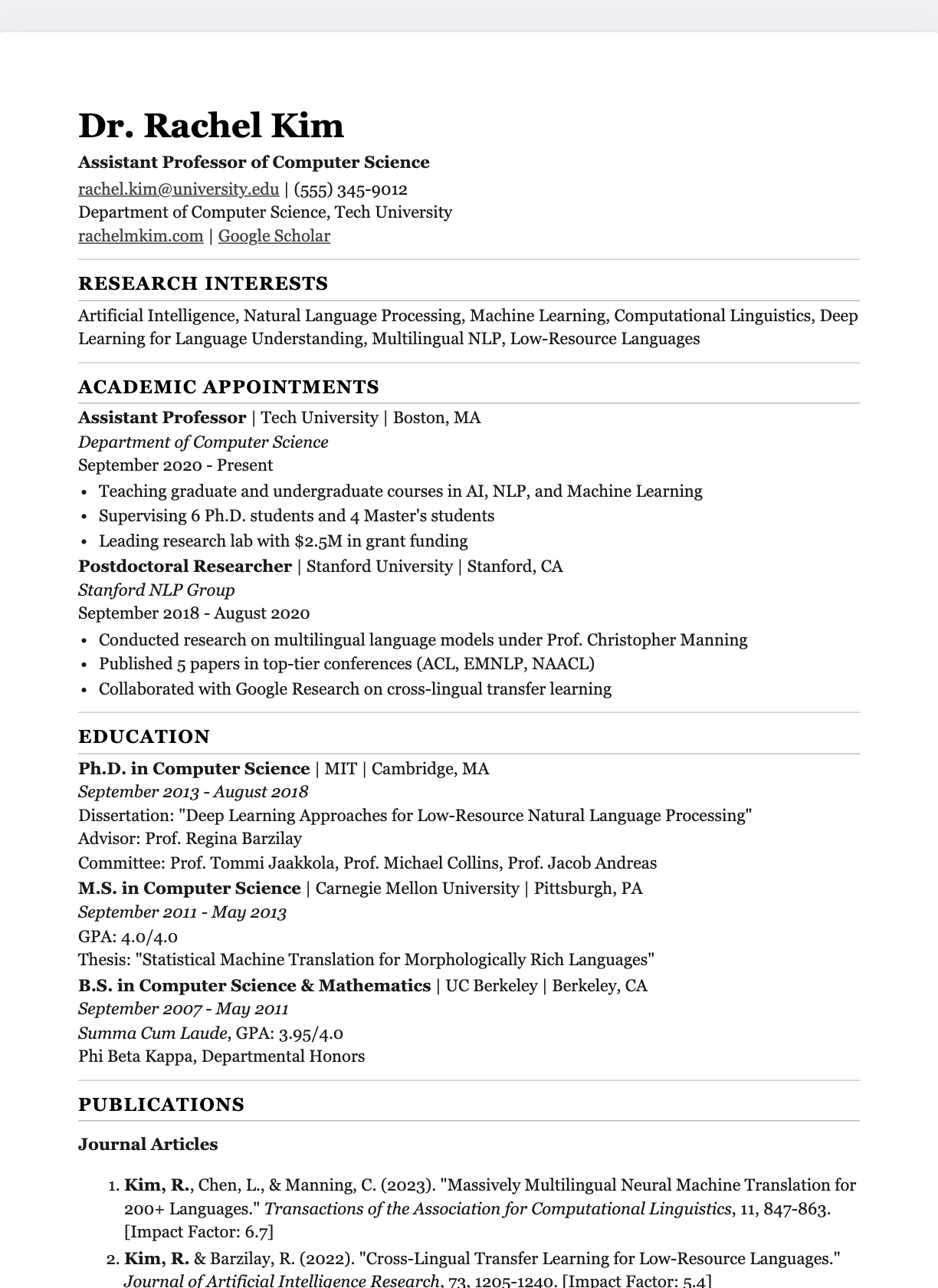
Entry-Level
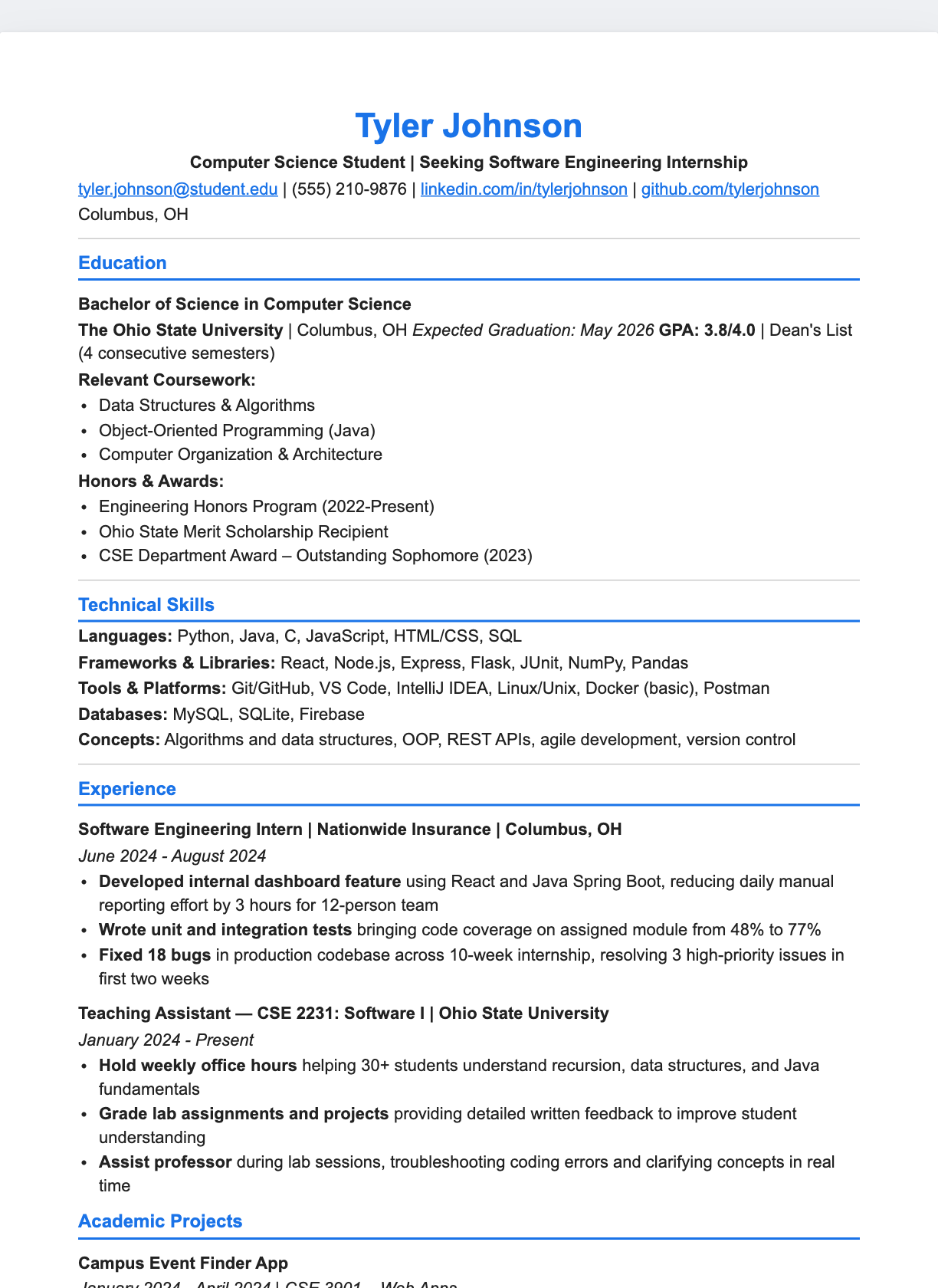
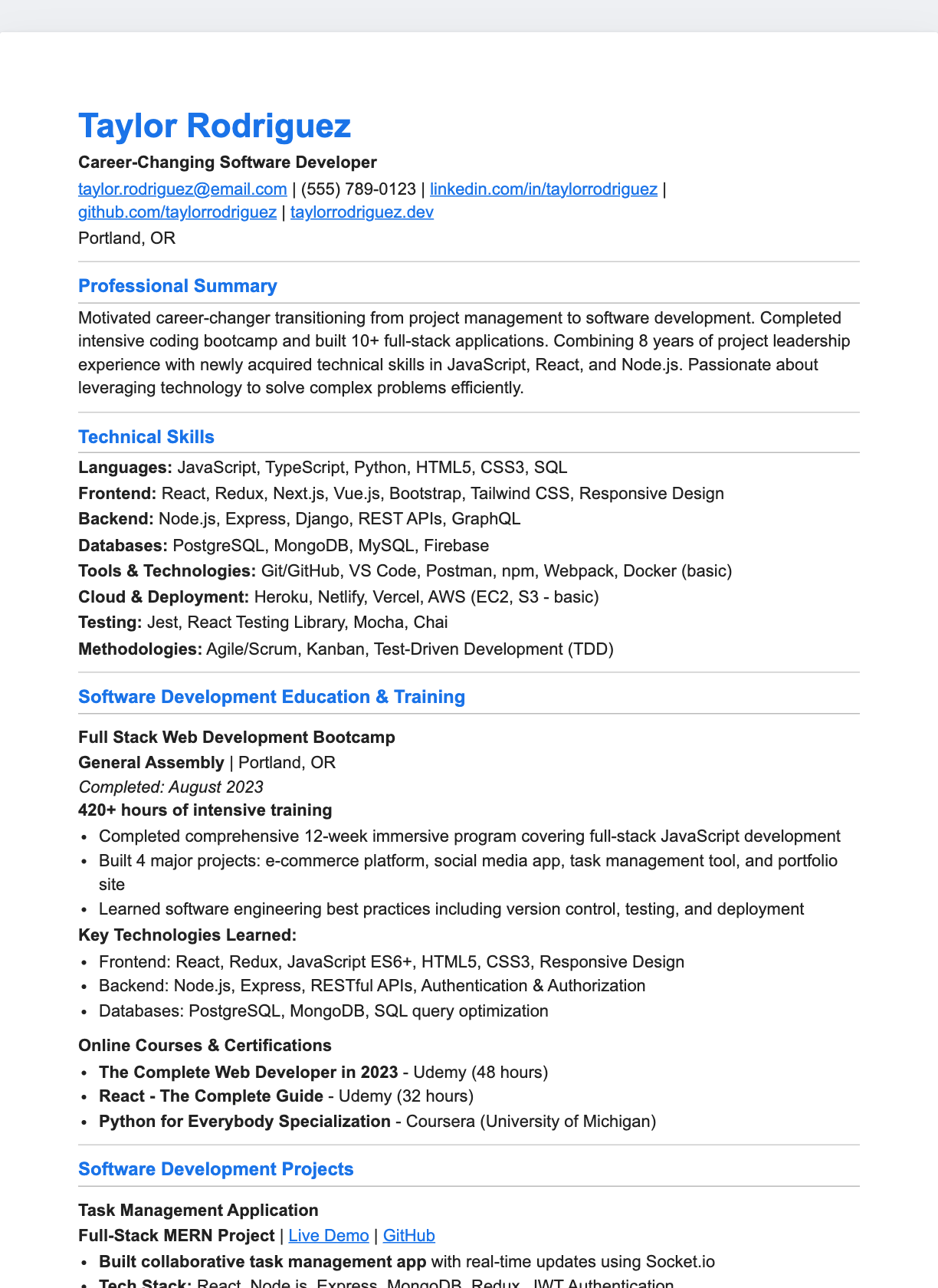
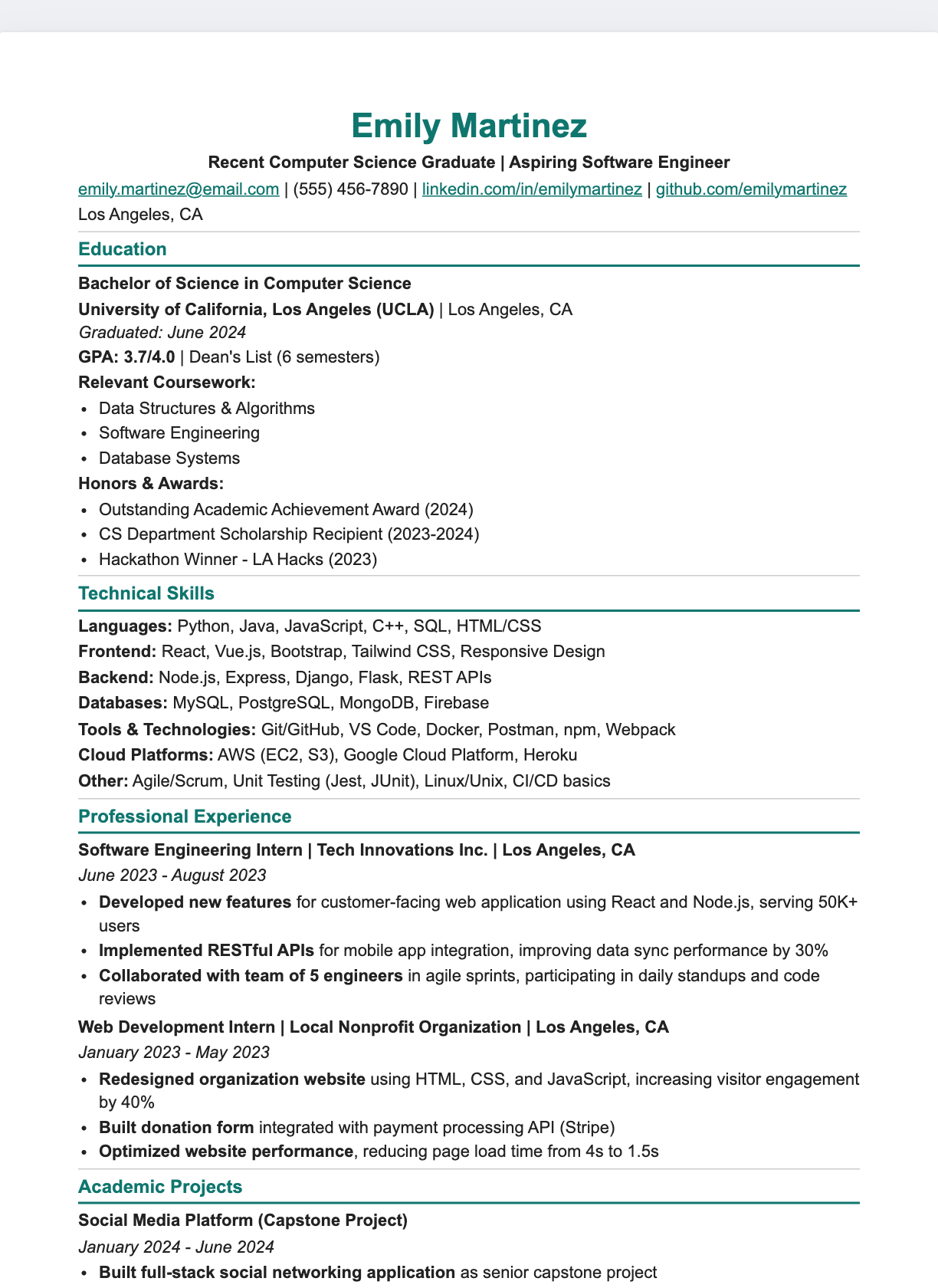
ATS-Friendly
Prefer another way to build?
There's a separate set of downloadable HTML templates, and every design can also be customised in the Markdown editor with live PDF export. Need wording for a specific job?
Frequently asked questions
Are these Google Docs resume templates free?+
Yes. Each one is a live Google Doc you can copy into your own Google Drive for free with the “Make a copy” button — no sign-up on this site required.
How do I use a Google Docs resume template?+
Click “Make a copy”. Google Docs opens a personal copy in your Drive that you own and can edit immediately. Your changes never affect the original template.
Are Google Docs resumes ATS-friendly?+
The single-column templates are the safest choice for applicant tracking systems. The two-column templates use a real Google Docs table, which most modern parsers handle, but export to PDF and check the text order if a job posting warns about strict parsing.
Can I download the Google Doc as a PDF or Word file?+
Yes. In your copied doc, use File → Download and choose PDF Document (.pdf) or Microsoft Word (.docx).
Do I need a Google account?+
You need a free Google account to save an editable copy to your Drive. Without one you can still open the document in view-only mode.