CLASSIC COLLECTION · FREE TEMPLATE
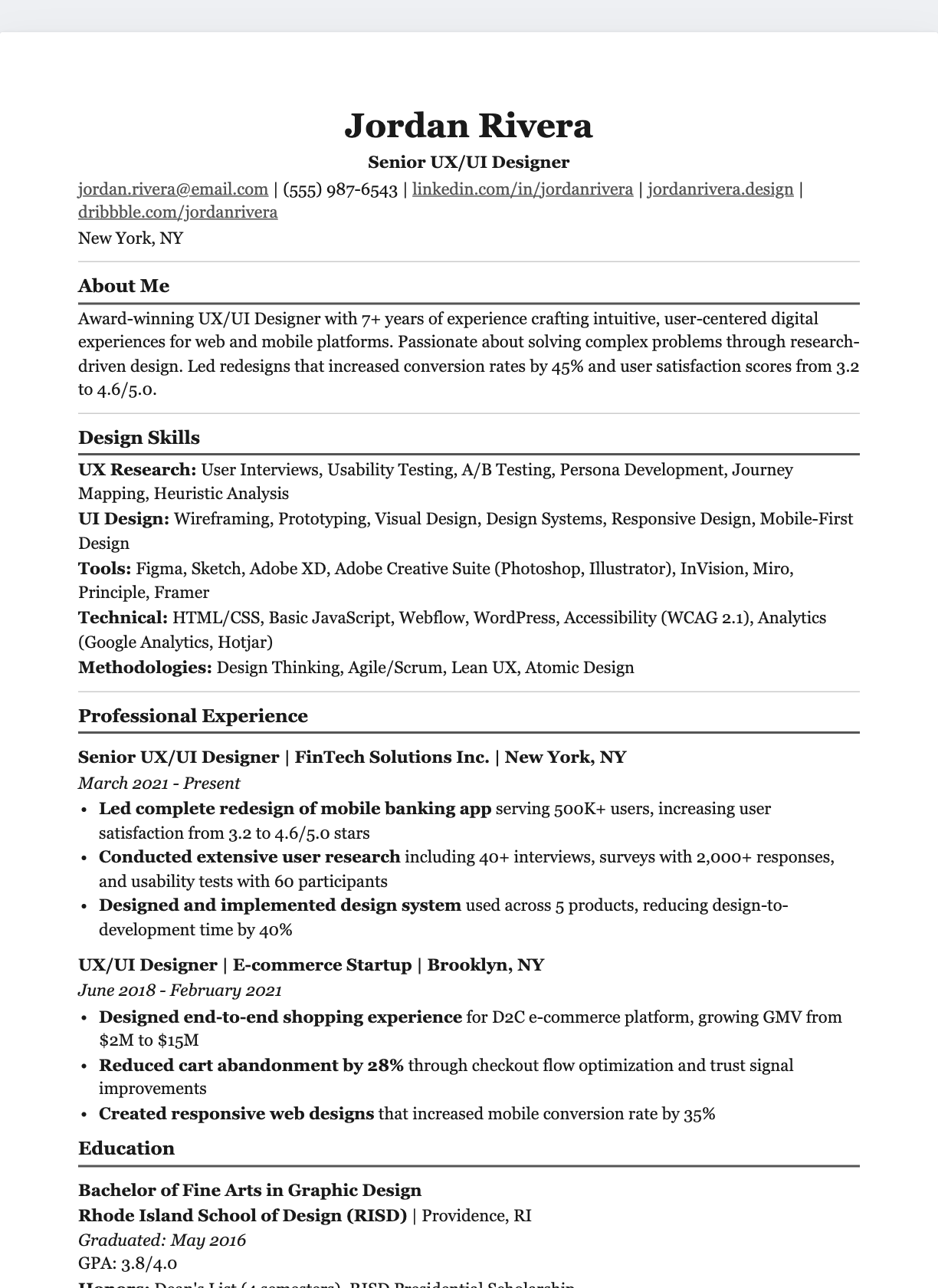
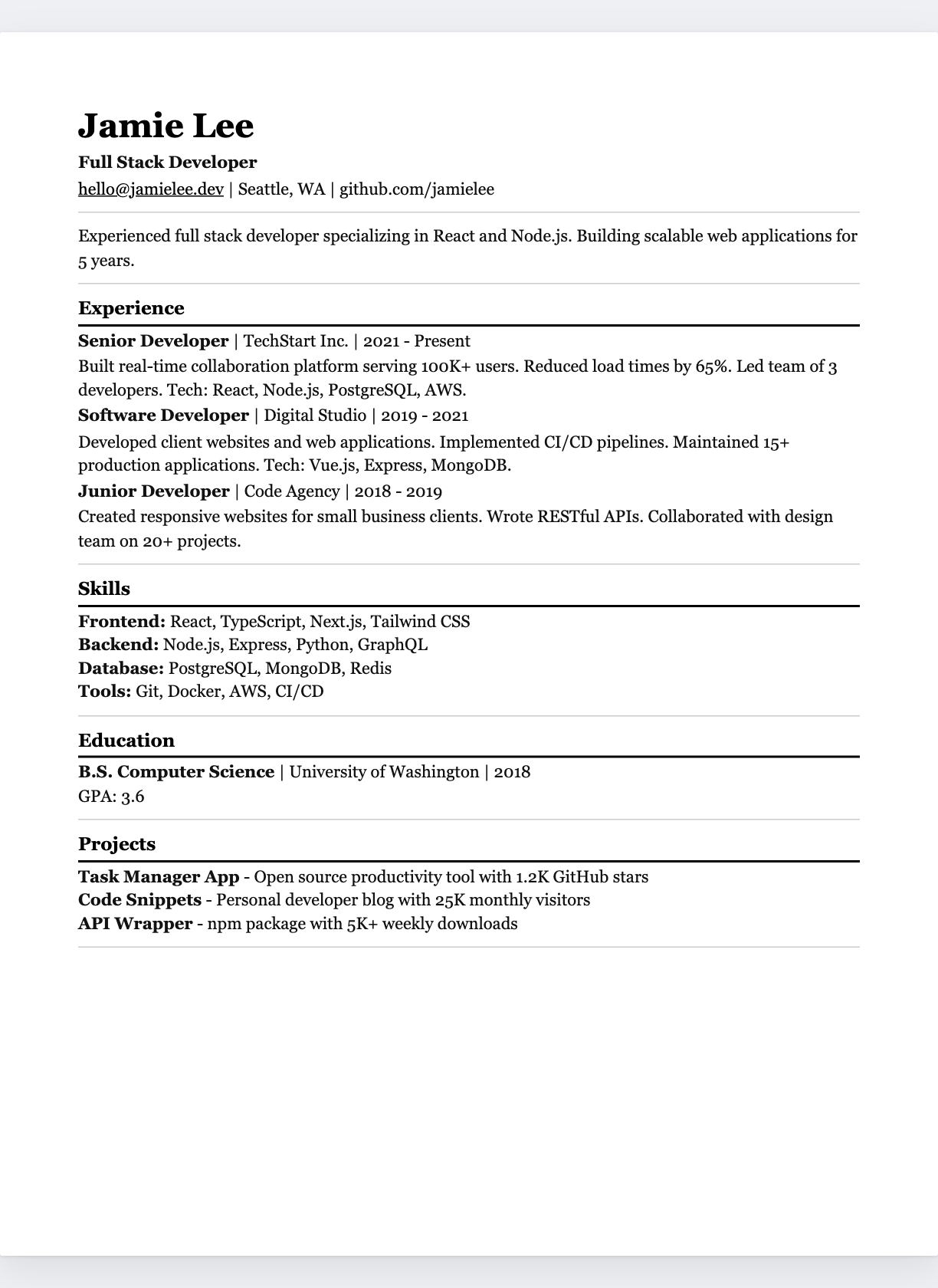
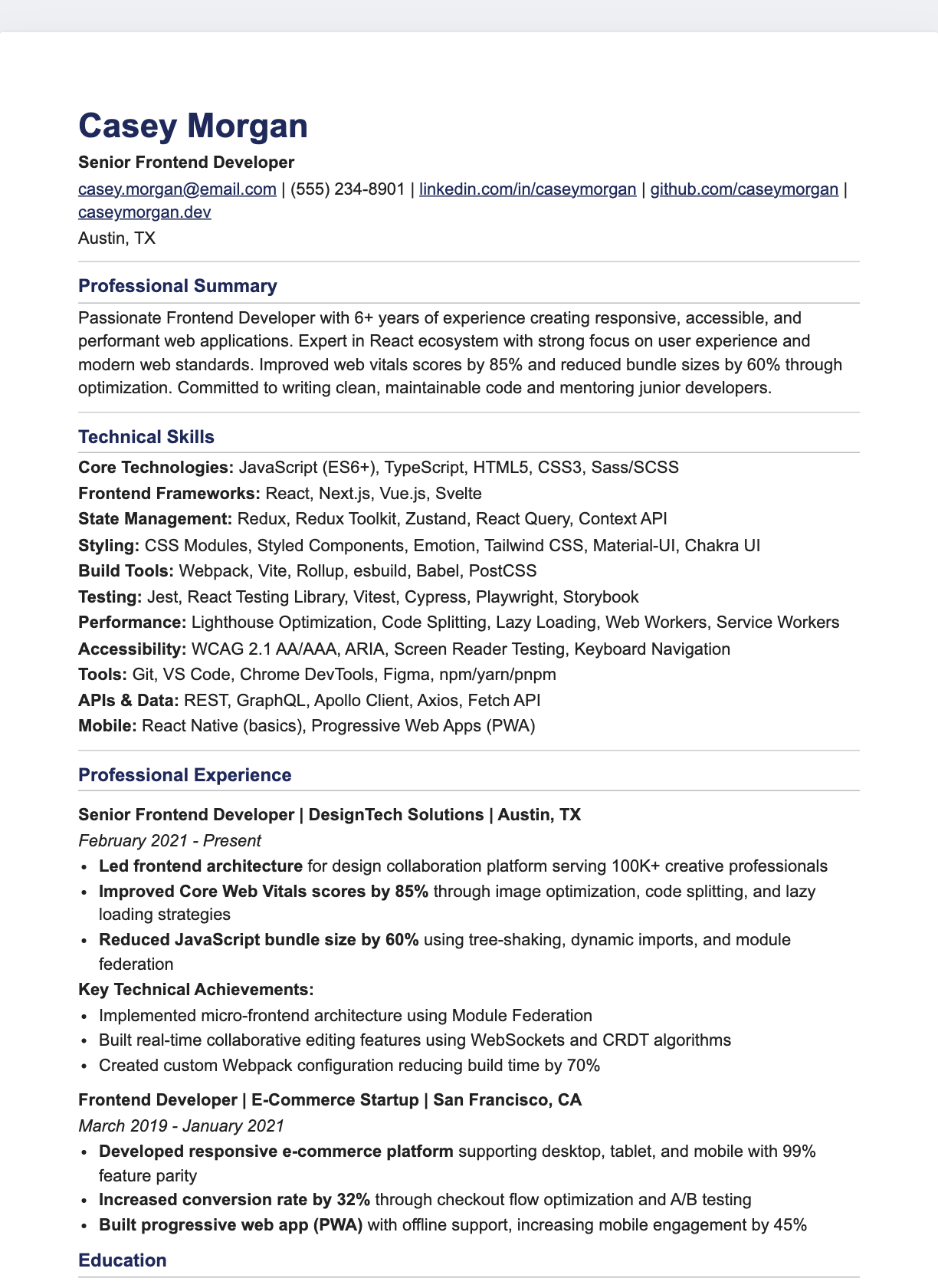
Serif Traditional
Google Docs resume template.
Georgia serif with underlined headings
Sample content shown. Replace it with your own experience.
FROM TEMPLATE TO YOUR RESUME
Three steps. Your own story.
- 01
Make your own copy
Use “Make a copy in Google Docs” above and sign in to your Google account. Save your own editable copy; the original stays unchanged.
- 02
Replace the sample content
Add your experience, contact details, and relevant skills. Adjust the typography and spacing in Google Docs, then check page breaks.
- 03
Download and review
Choose File → Download, then PDF or Word to match the employer’s requirements. Check text selection, reading order, and links before sending.
THE DESIGN IS ONLY THE START
Give every line a purpose.
Use relevant achievements, clear section headings, and details you can explain. A template provides structure; your experience makes it convincing.