20 free templates
HTML Resume Templates — Free to Download and Edit
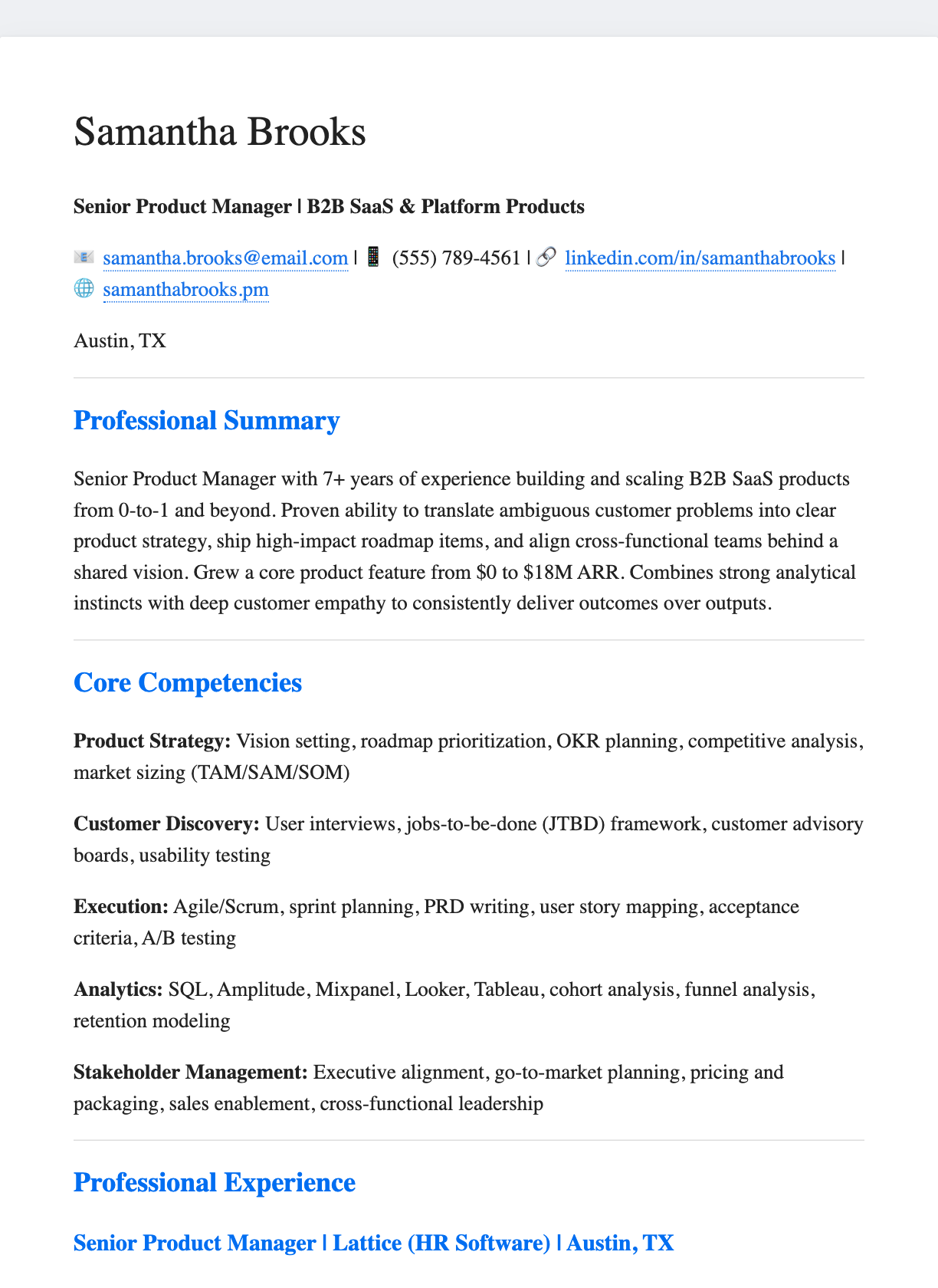
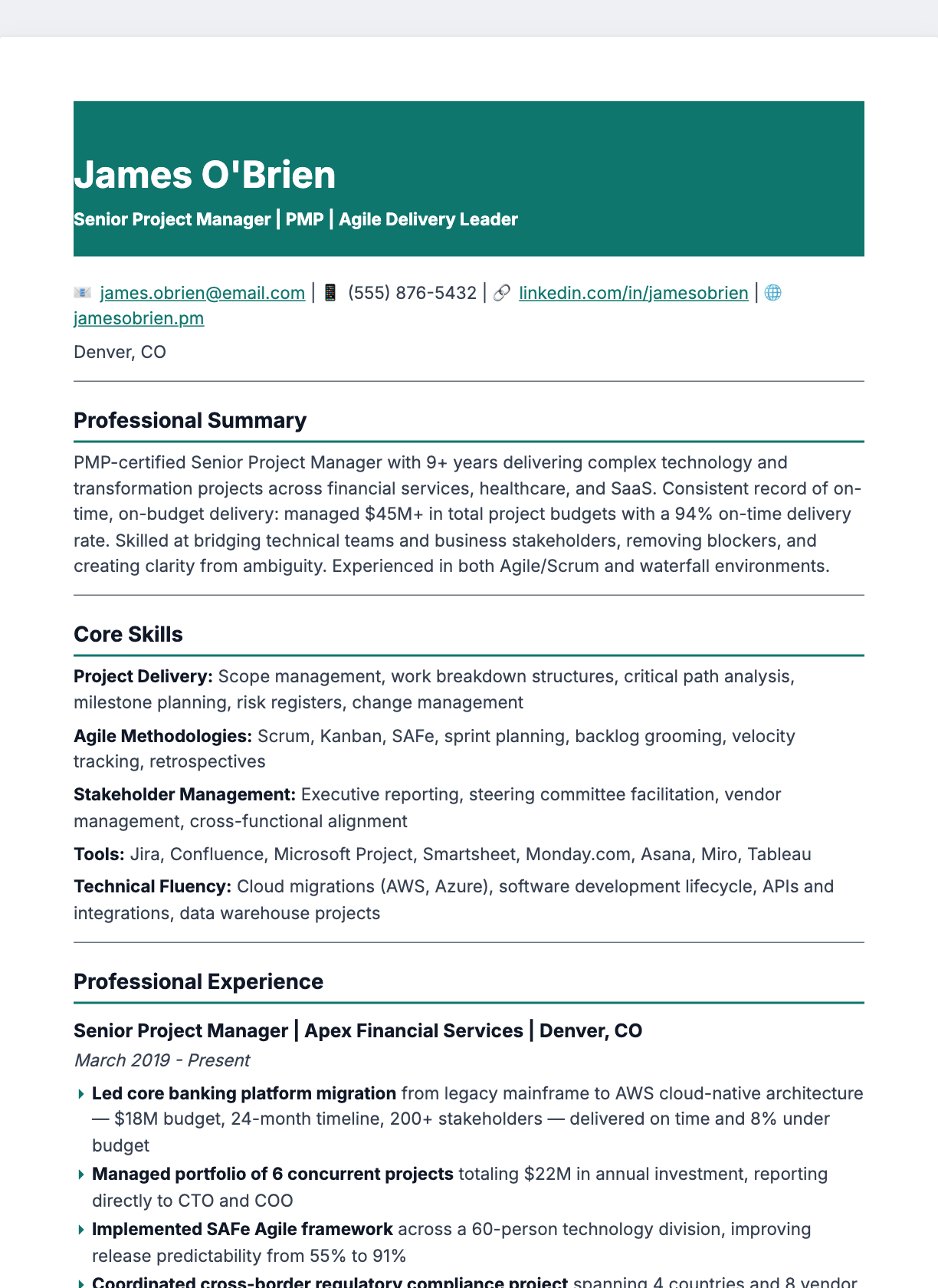
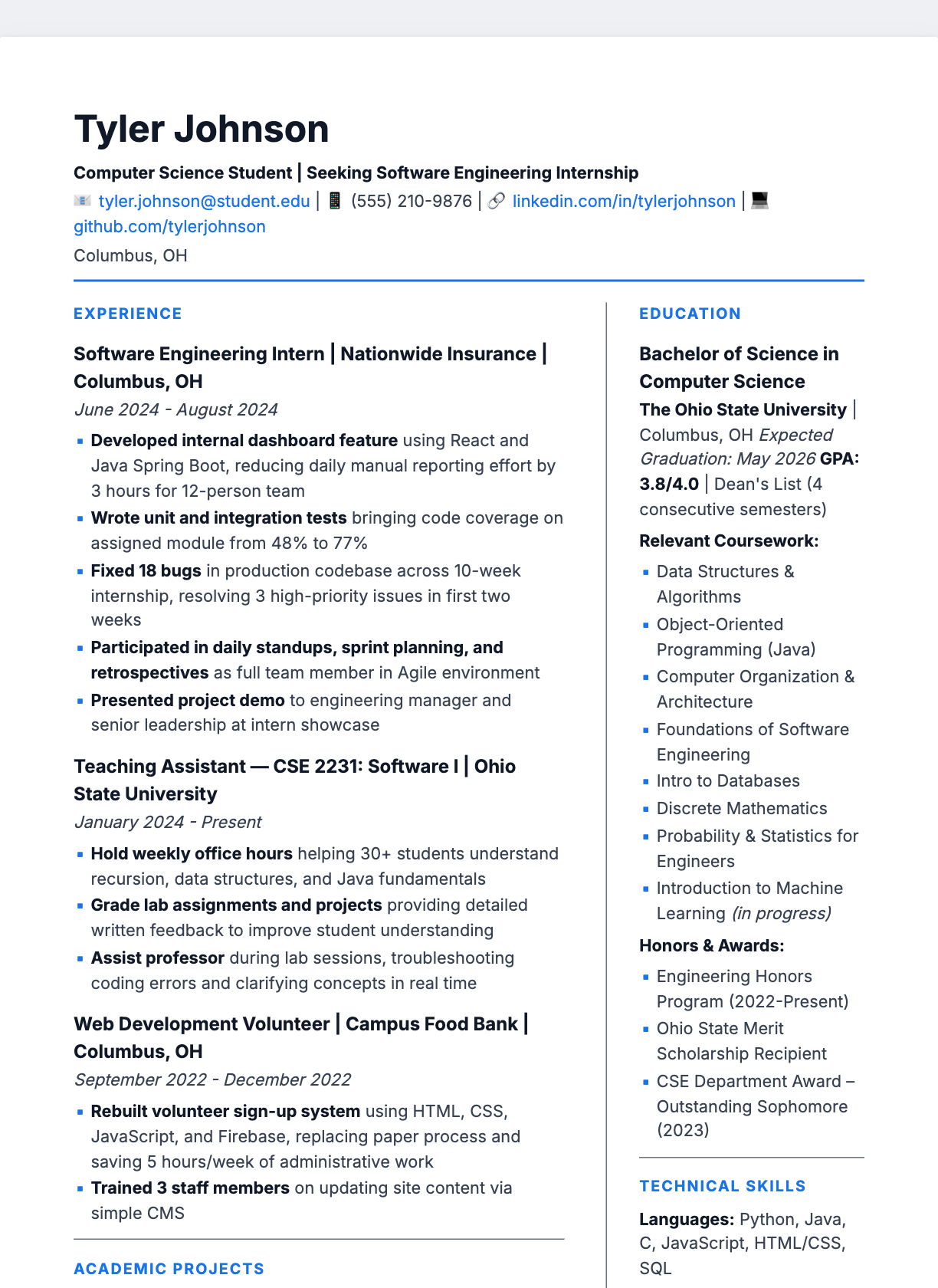
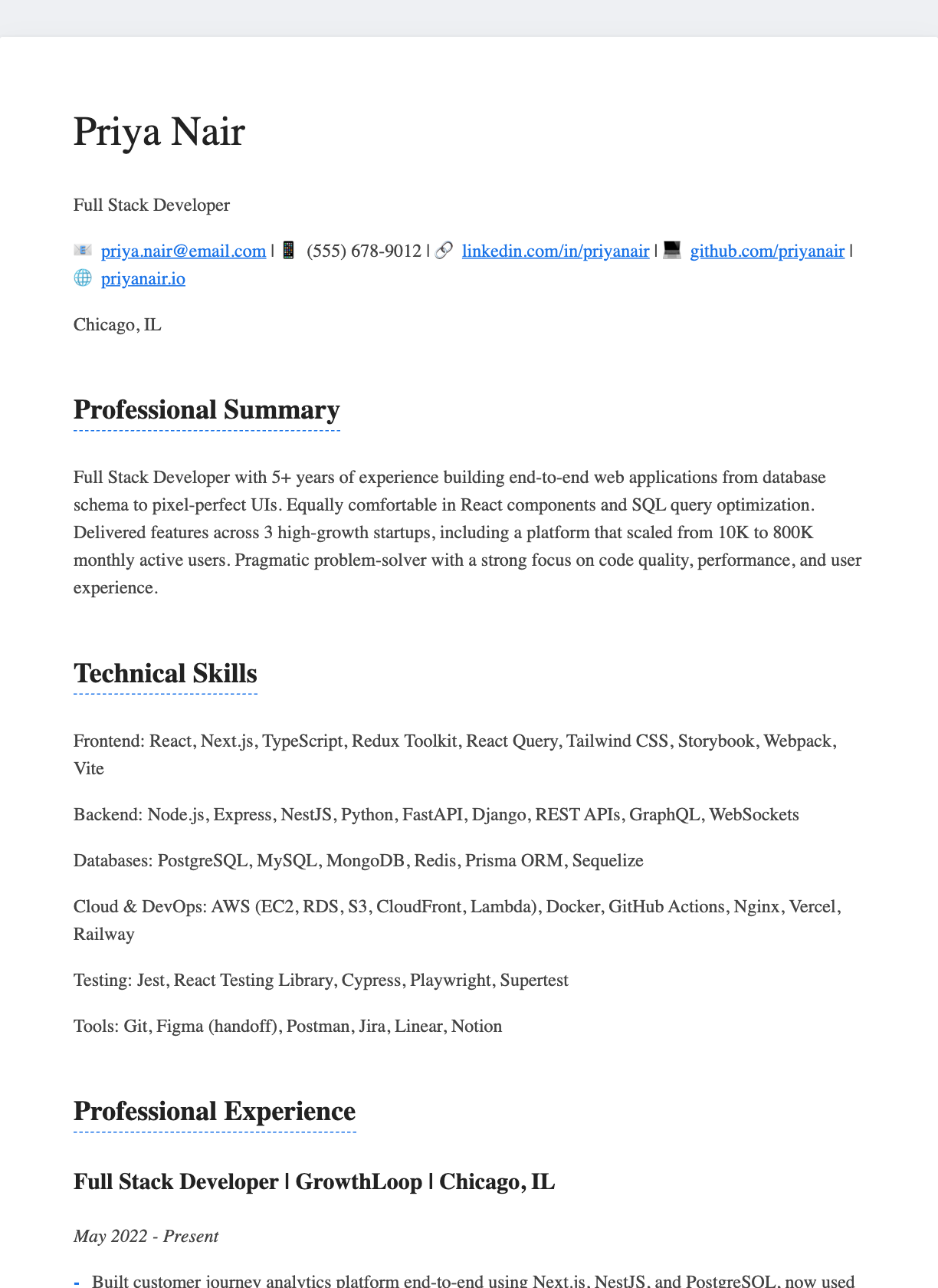
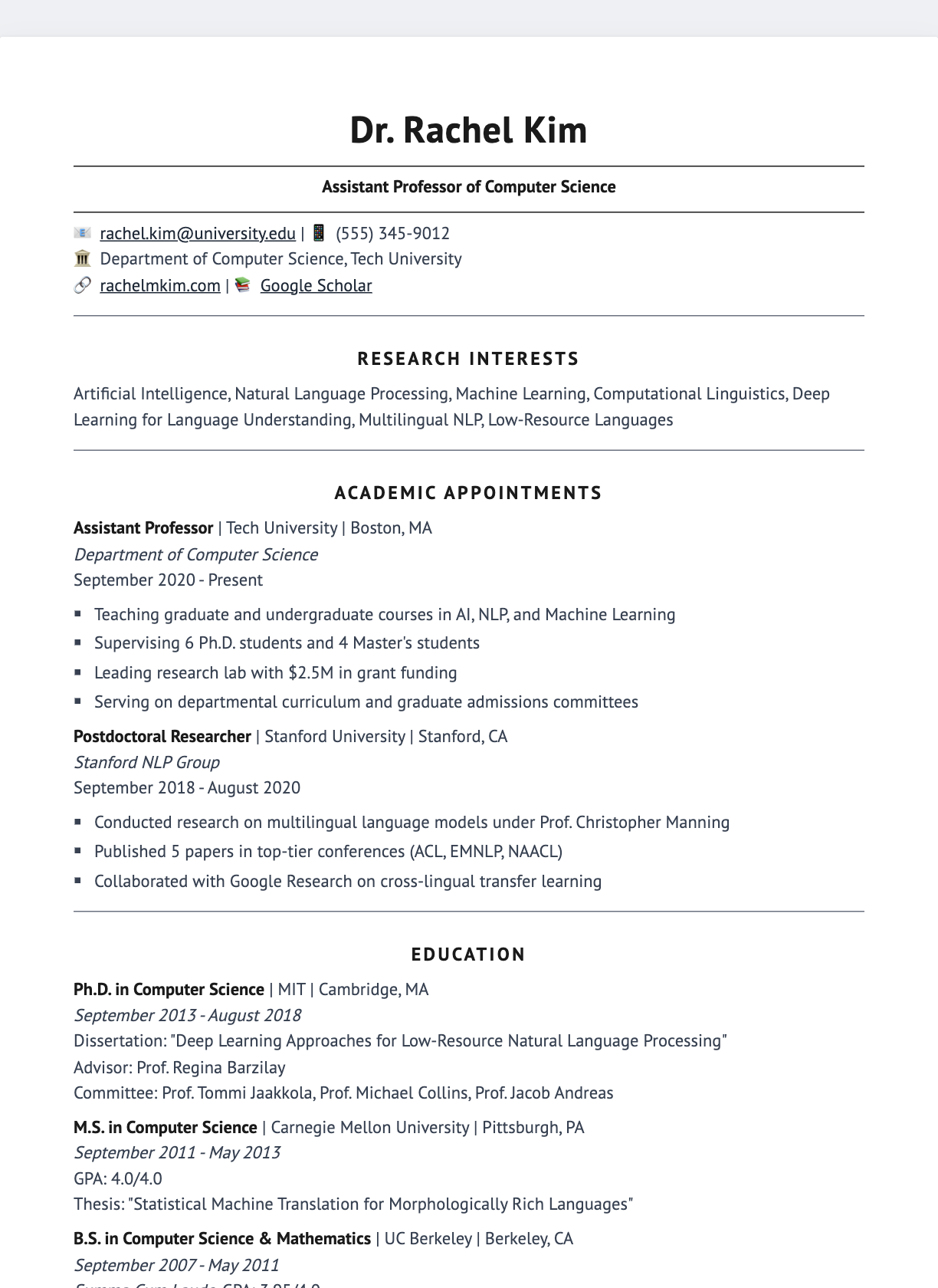
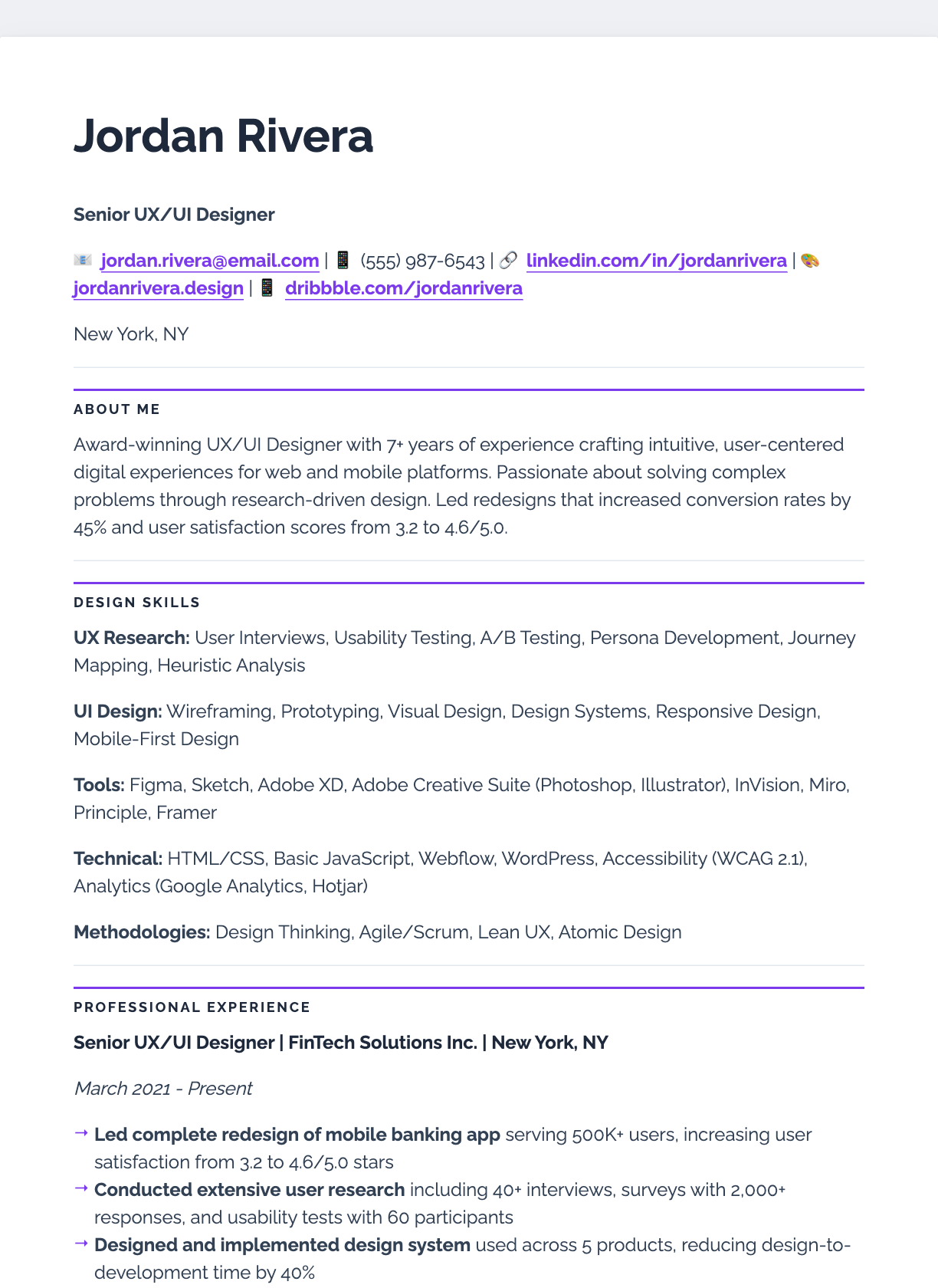
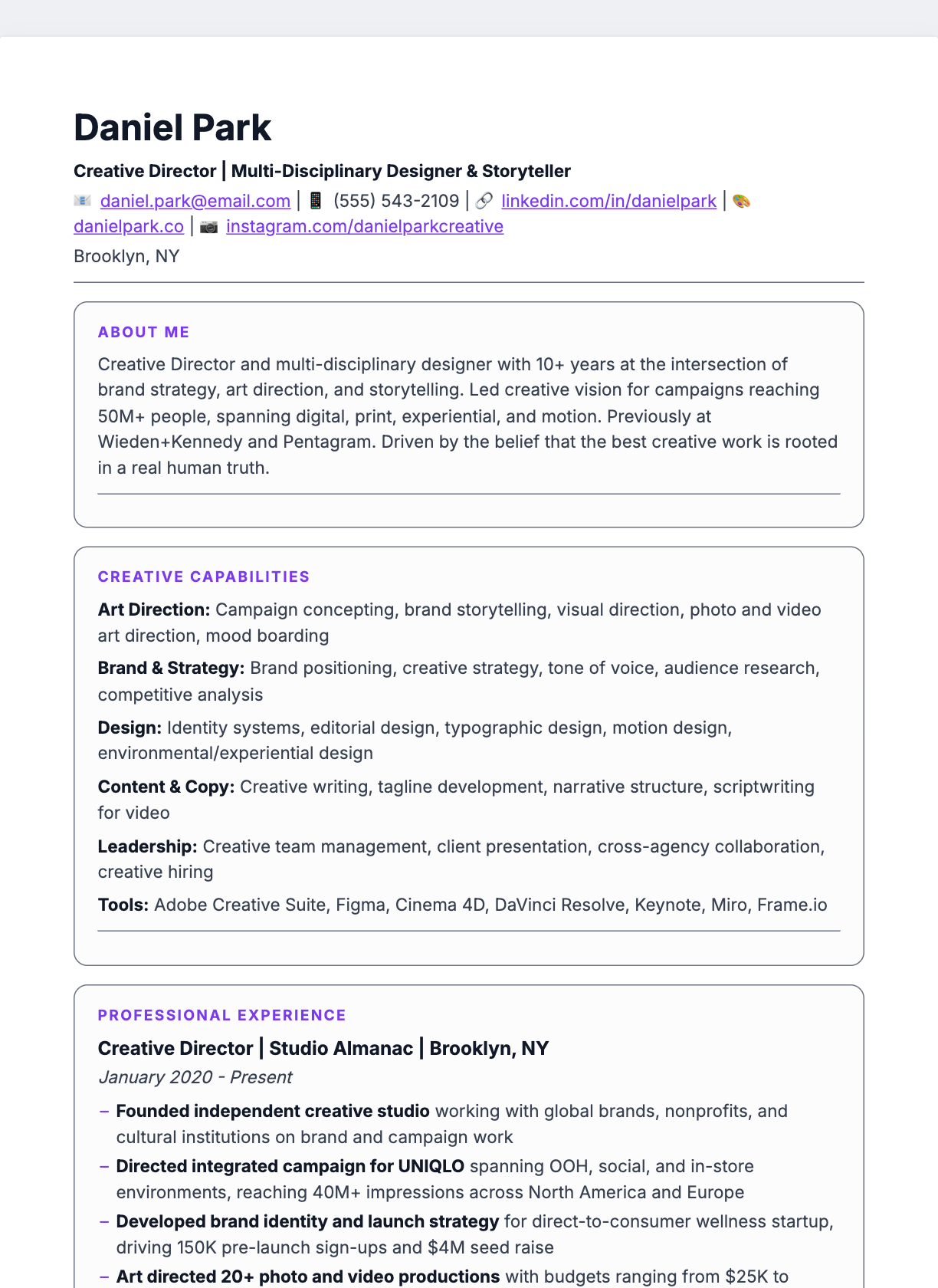
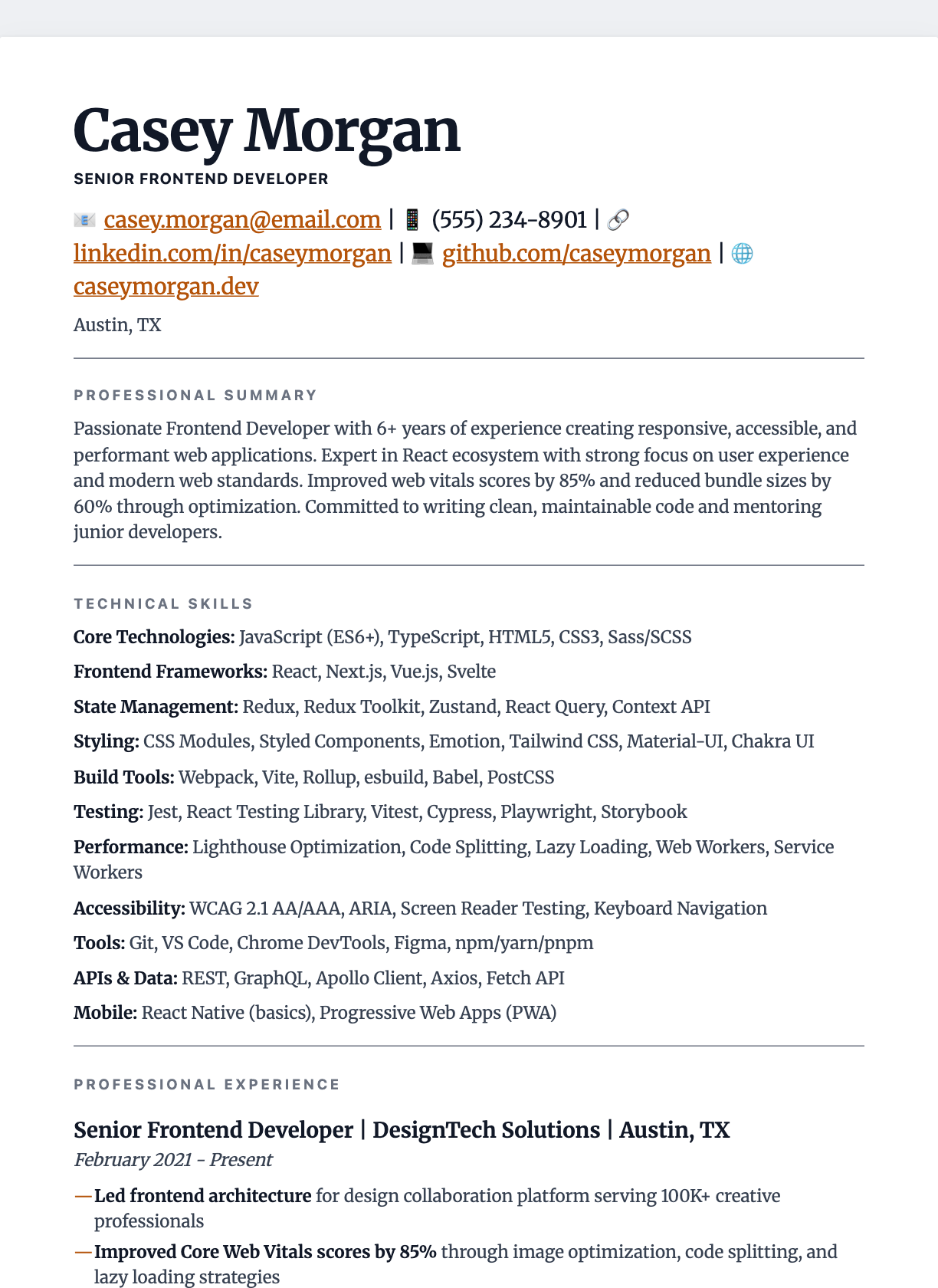
Every template is a single, self-contained .html file. Preview it here, download it with one click, open it in any browser, or customise the content, fonts and colours in the online editor and export a pixel-perfect PDF.
Professional
Modern
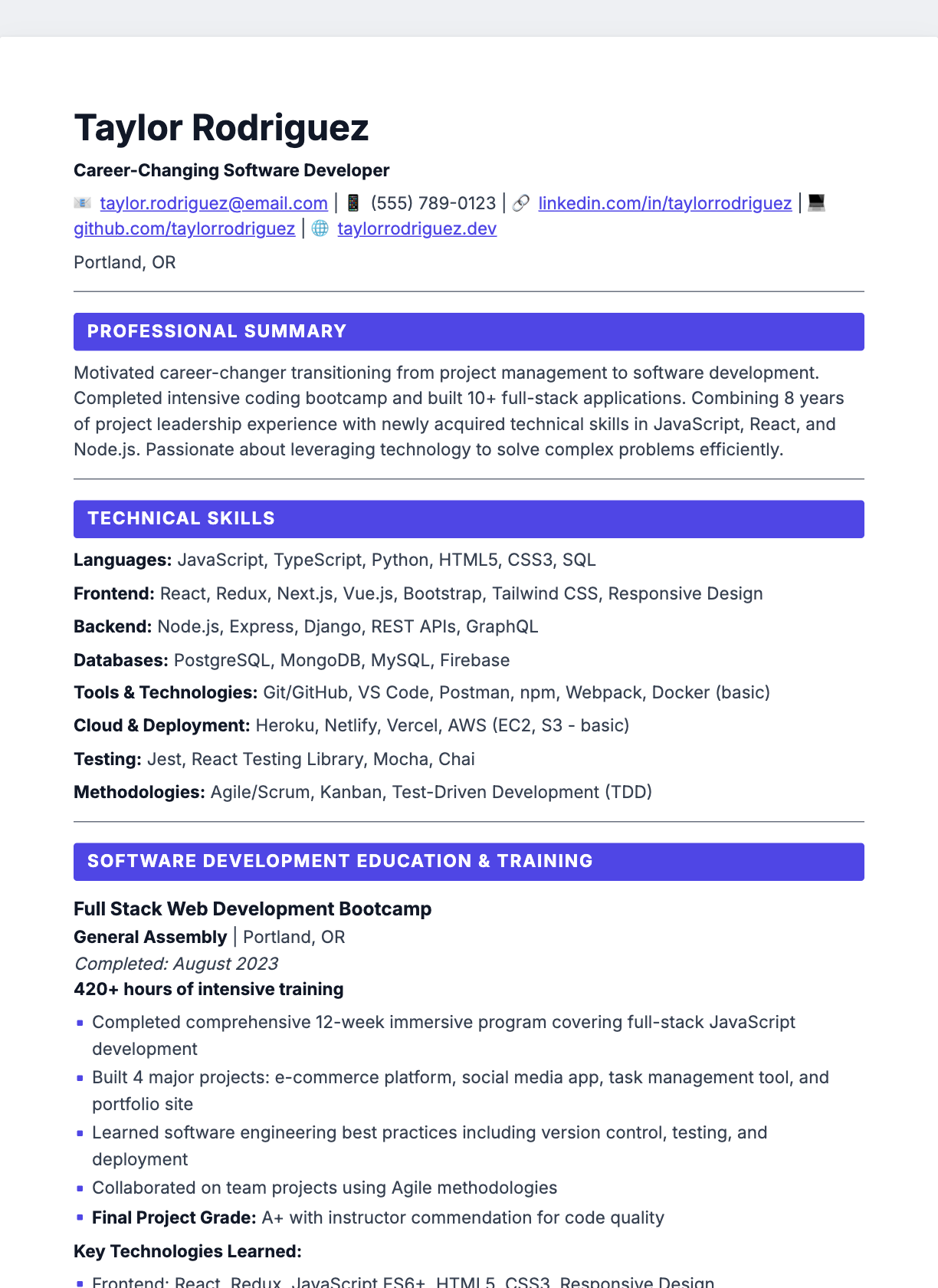
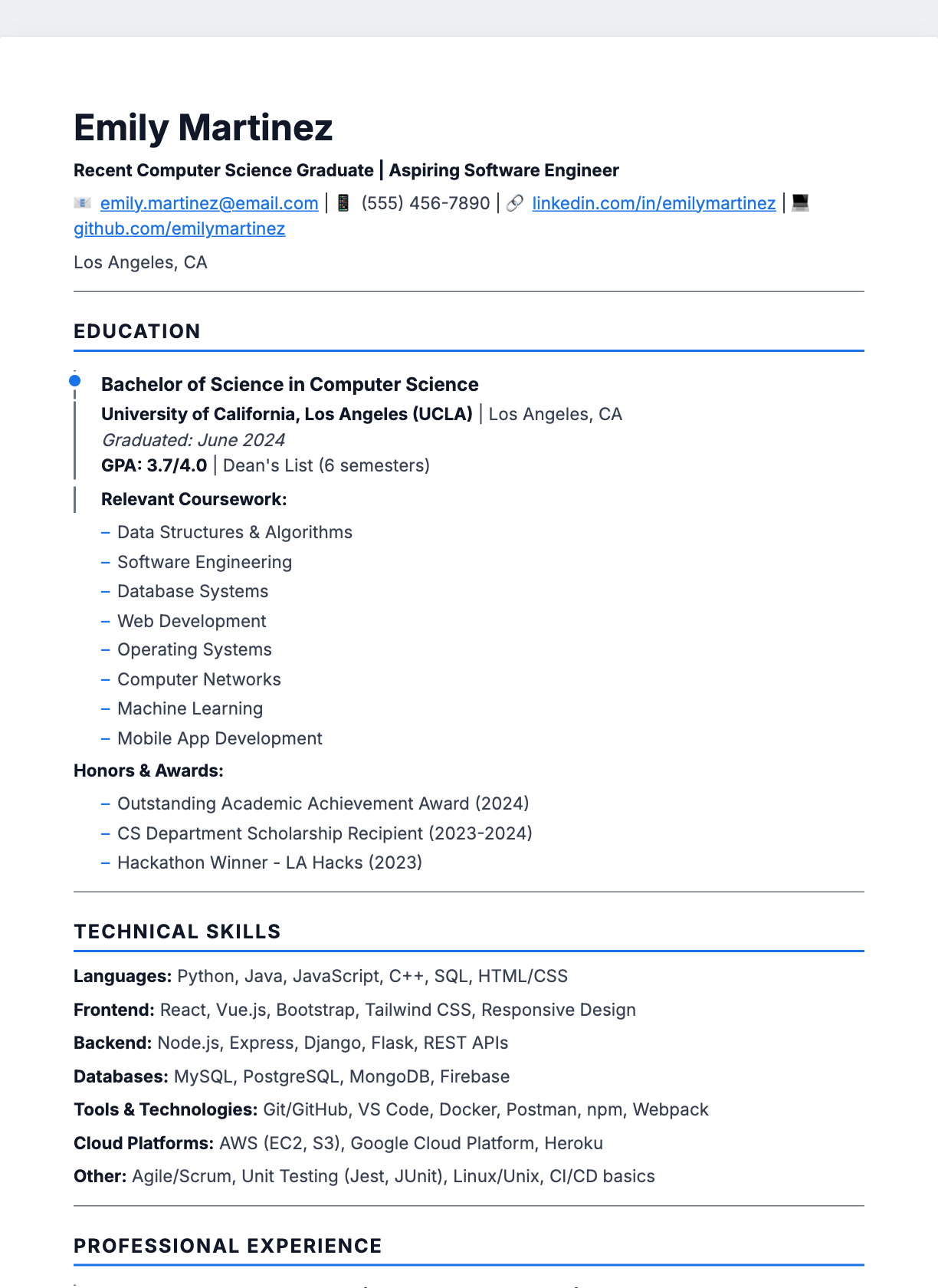
Minimal
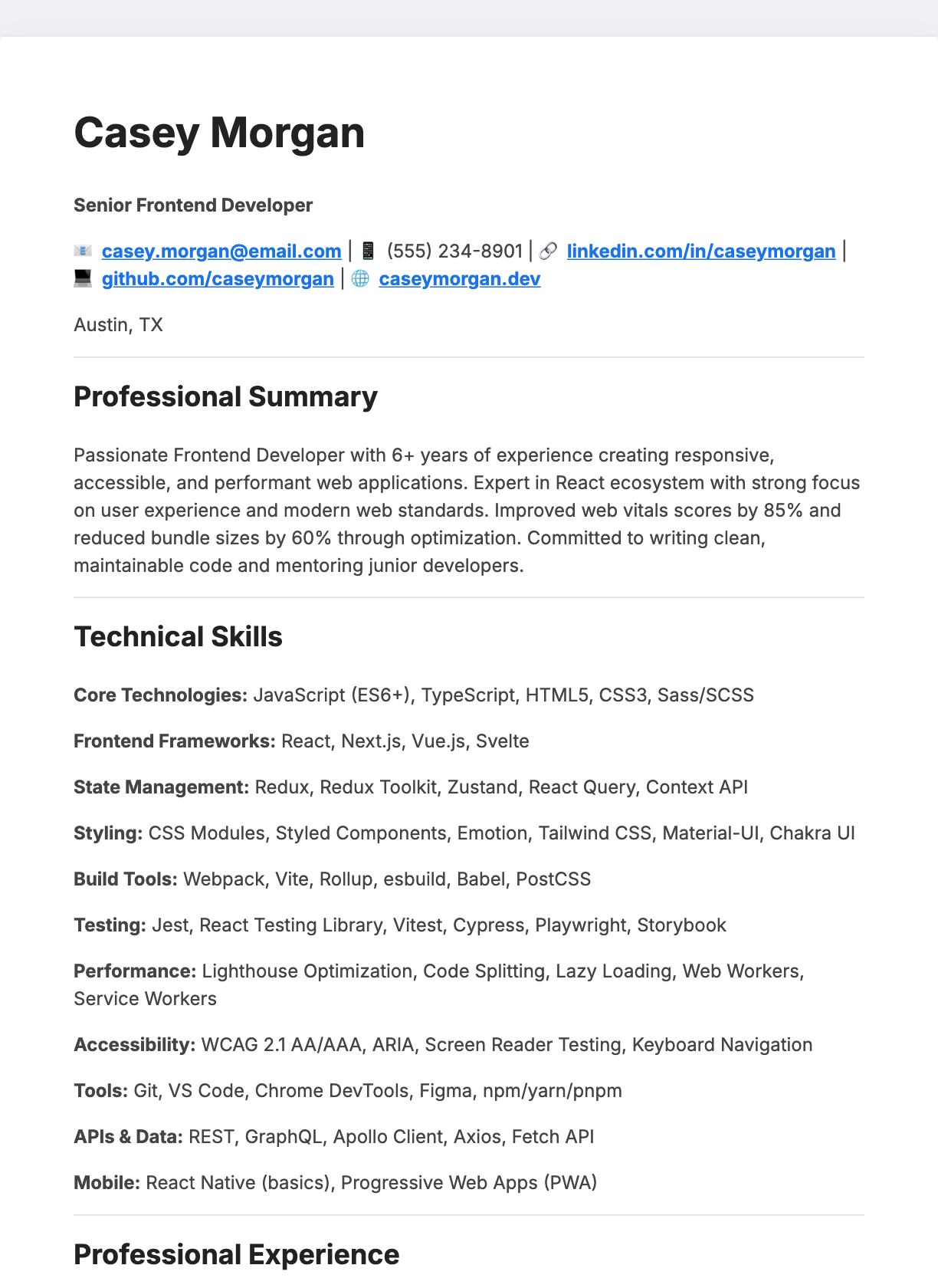
Minimal Blue
MinimalClean Inter typography with a single blue accent
View & download →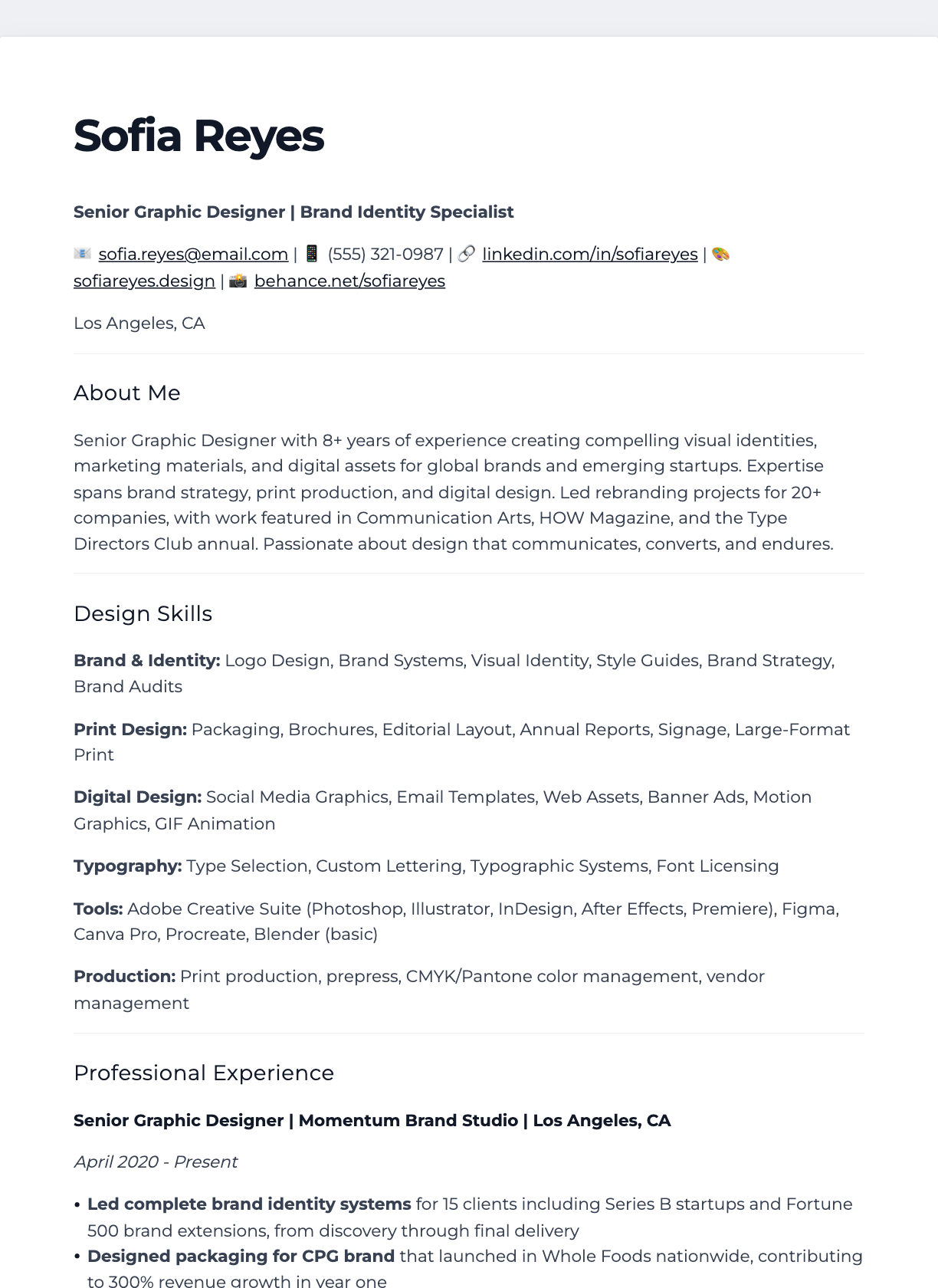
Ultra Minimal
MinimalNo lines, no colour — pure whitespace and weight
View & download →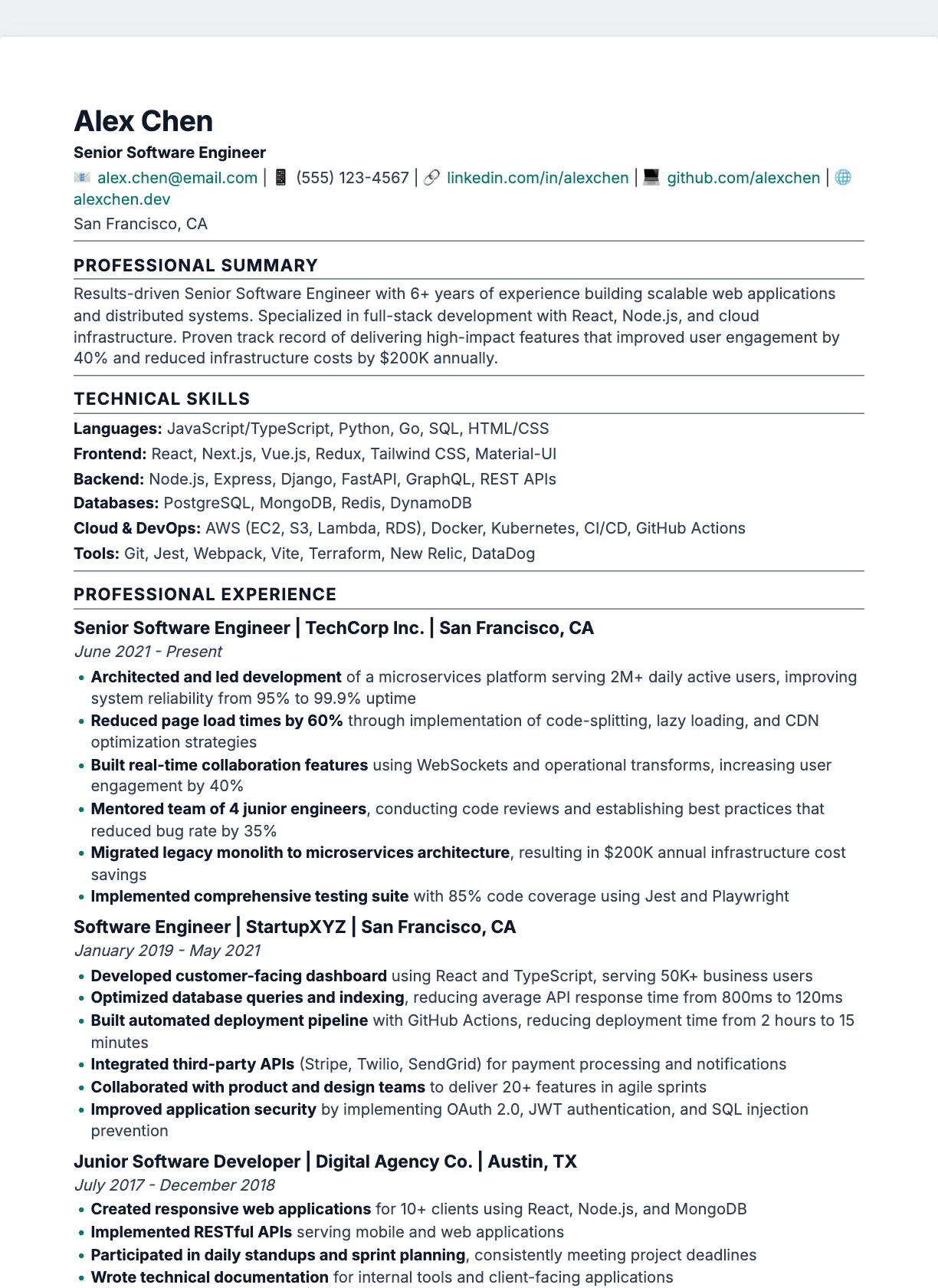
Compact One-Page
MinimalFit ten years of experience on a single page
View & download →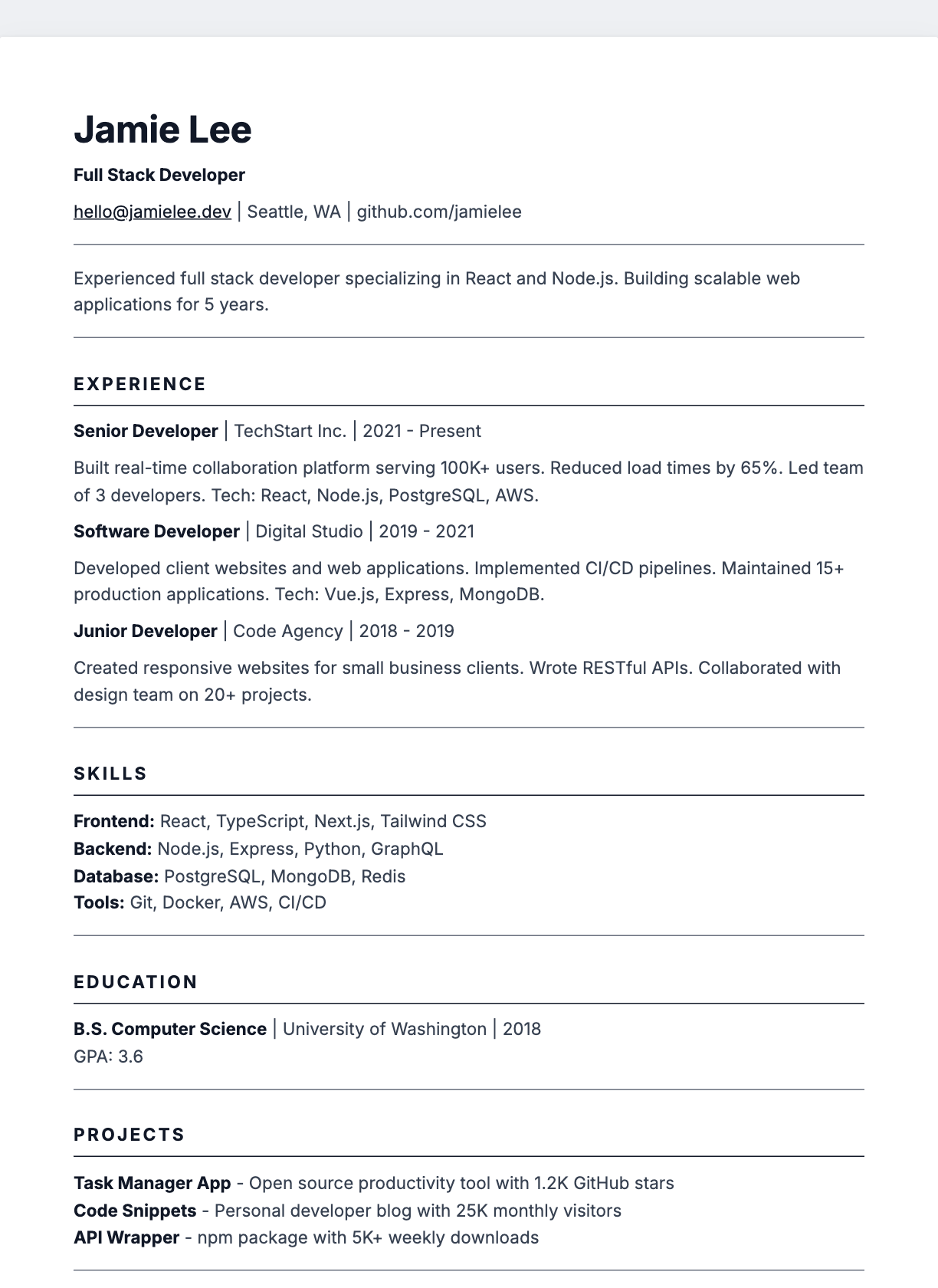
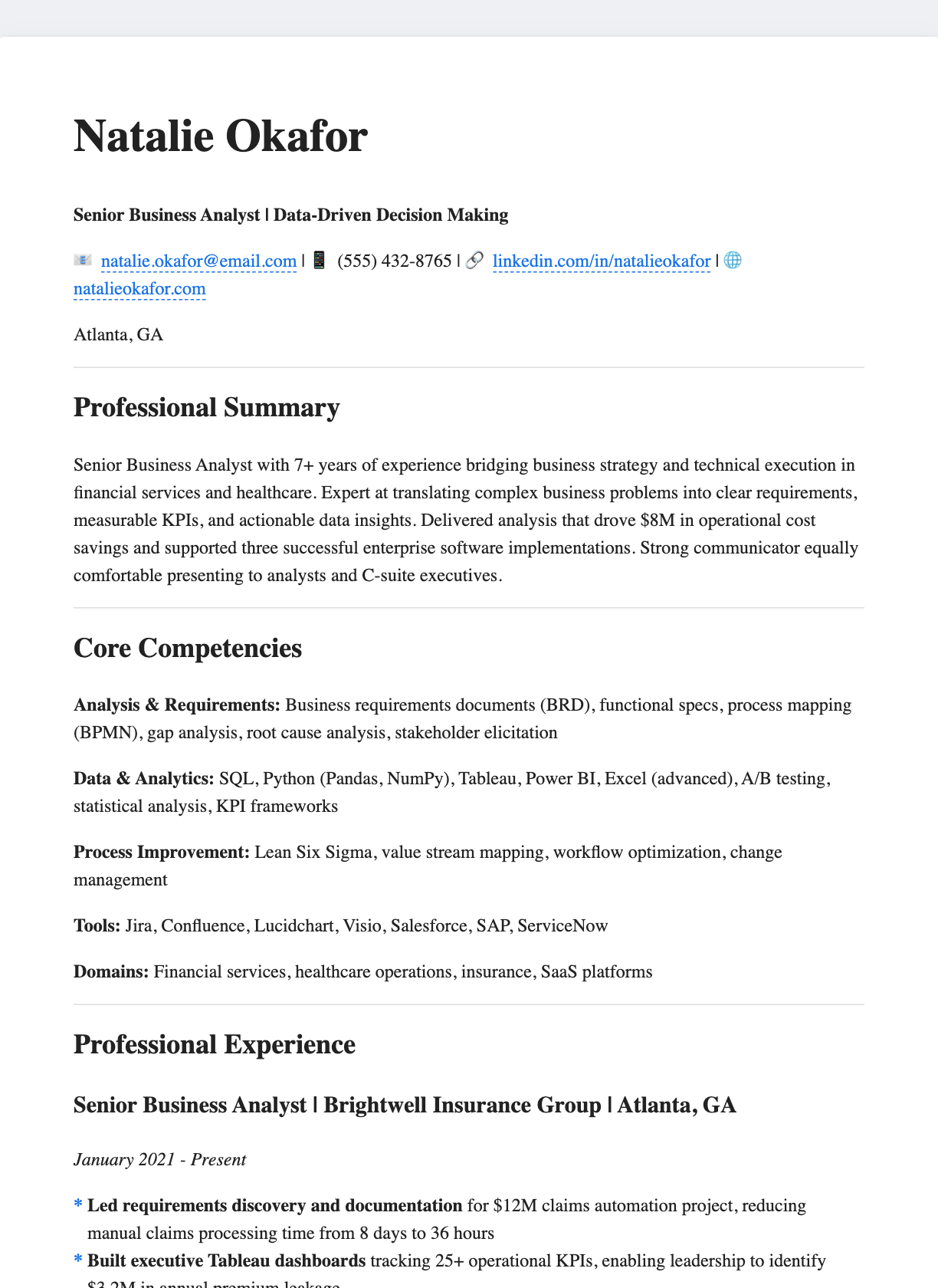
Full-Width Rule
MinimalFull-width heading underlines, generous air
View & download →Classic
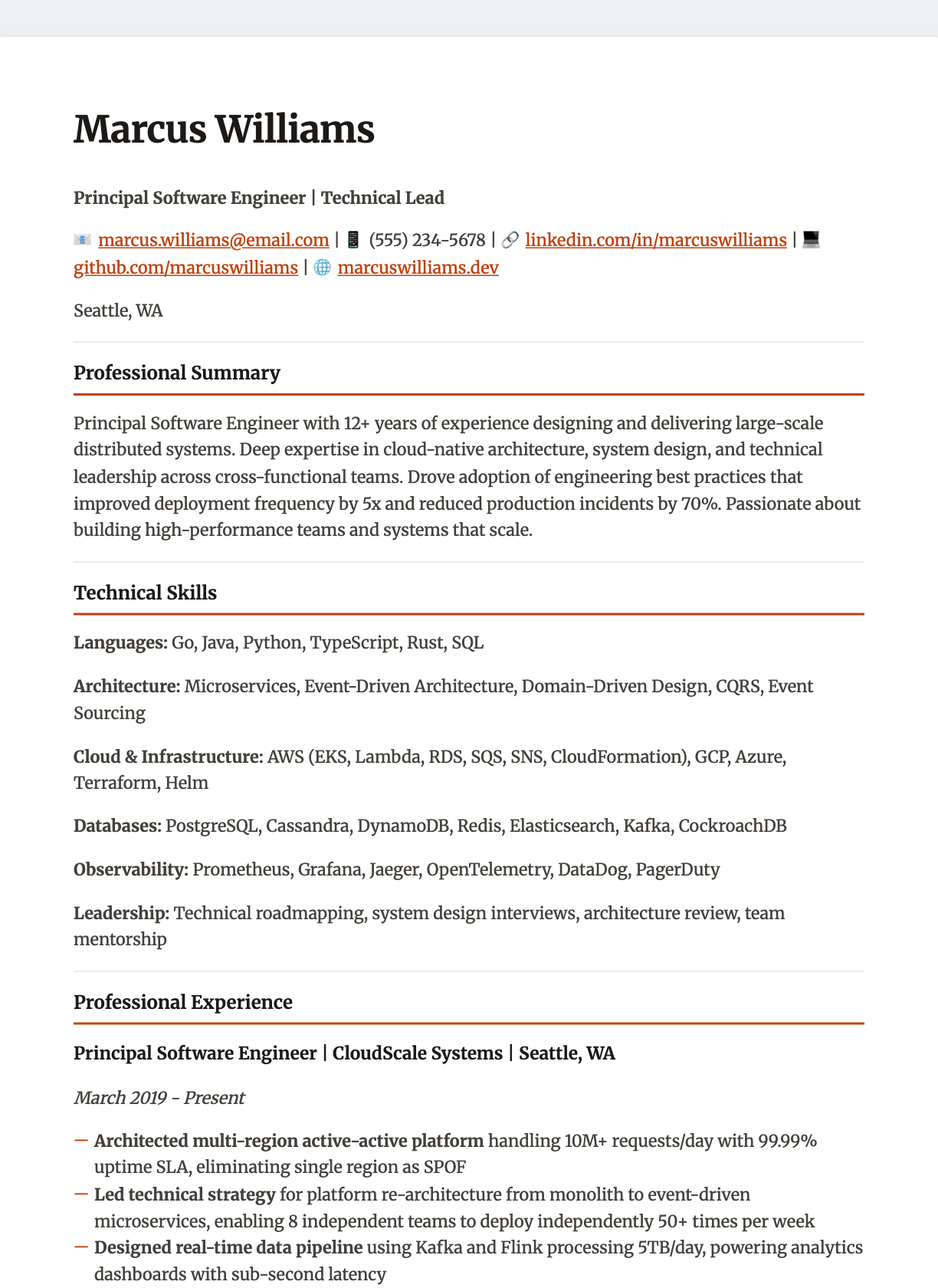
Creative
Technical
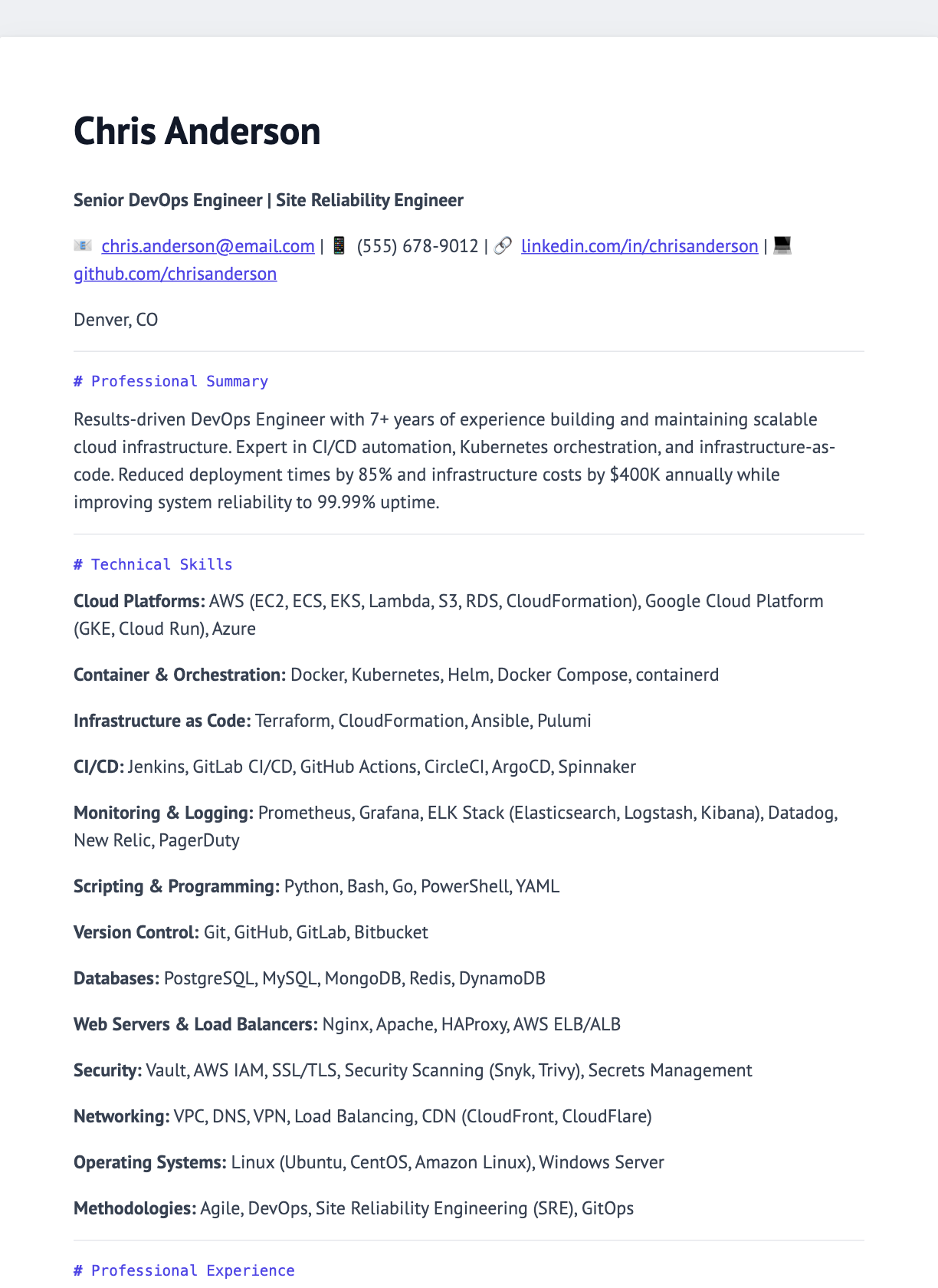
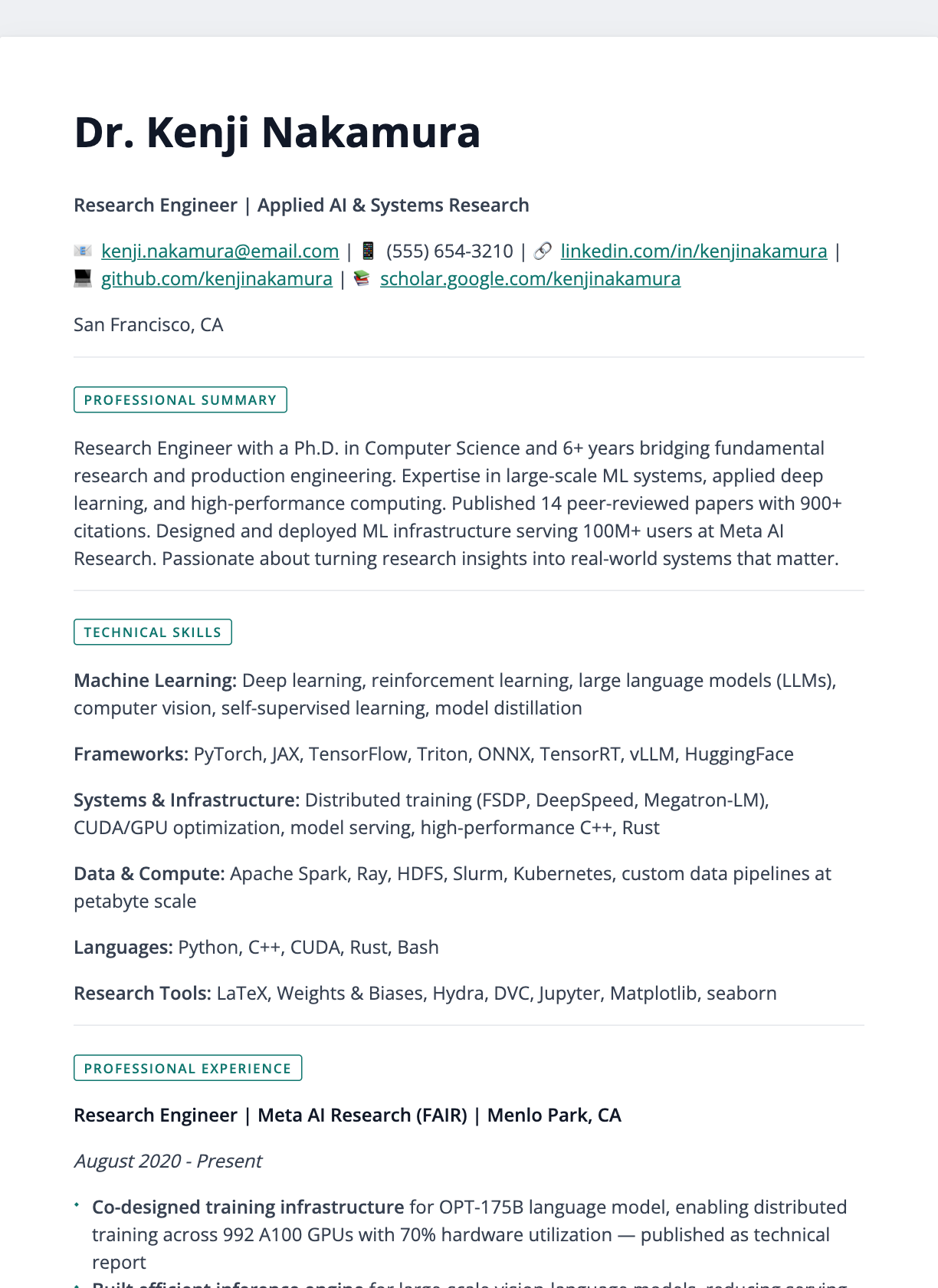
Executive
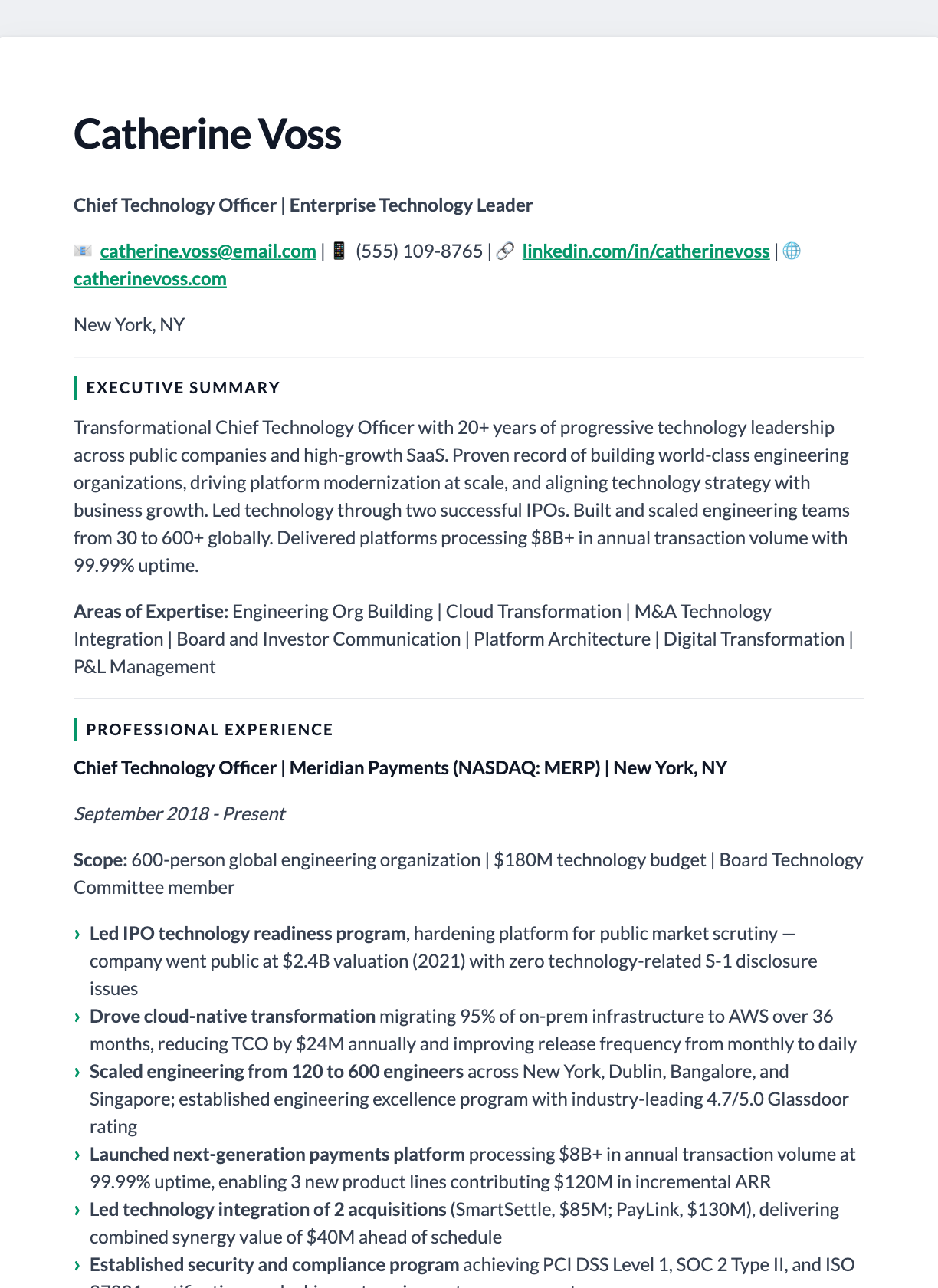
ATS-Friendly
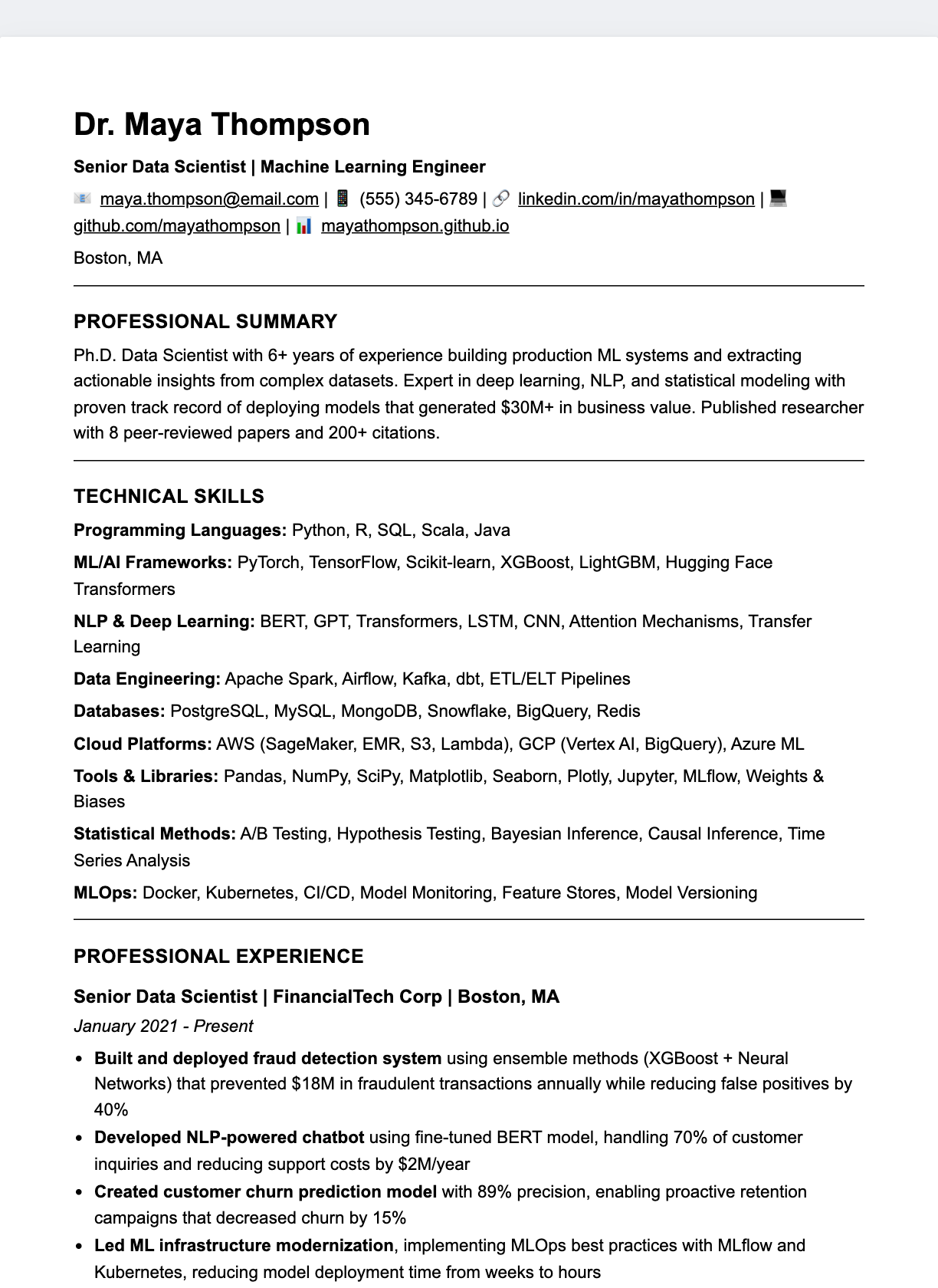
Prefer a different way to edit?
Every template also opens in the online editor, and there's a separate set built for Google Docs. Looking for wording for a specific job instead of a design?
Frequently asked questions
Are these HTML resume templates free to download?+
Yes. Every template is free to download as a self-contained .html file with no sign-up. You can open it in any browser, print it, or convert it to a PDF.
Are the HTML resume templates ATS-friendly?+
Most are. The single-column templates — and the ATS Plain Text template in particular — use standard headings and a clean content flow that applicant tracking systems parse reliably. For the strictest systems, export to PDF or paste the text directly.
How do I edit an HTML resume template?+
Open the downloaded .html file in a code editor and replace the sample text, or click “Customize in the editor” to load the same layout in the online Markdown editor where you can change the content, fonts and colours and export a PDF.
What is the difference between the HTML file and a PDF?+
The HTML file is the editable source — it keeps live text, links and styling in one portable document. When you are ready to apply, print the HTML to PDF (or use the editor’s PDF export) so the layout is fixed.
Do the fonts work offline?+
The templates load their web fonts from Google Fonts, so an internet connection gives you the intended typography. Offline, the browser falls back to a matching system font and the layout still holds.