PROFESSIONAL COLLECTION · FREE TEMPLATE
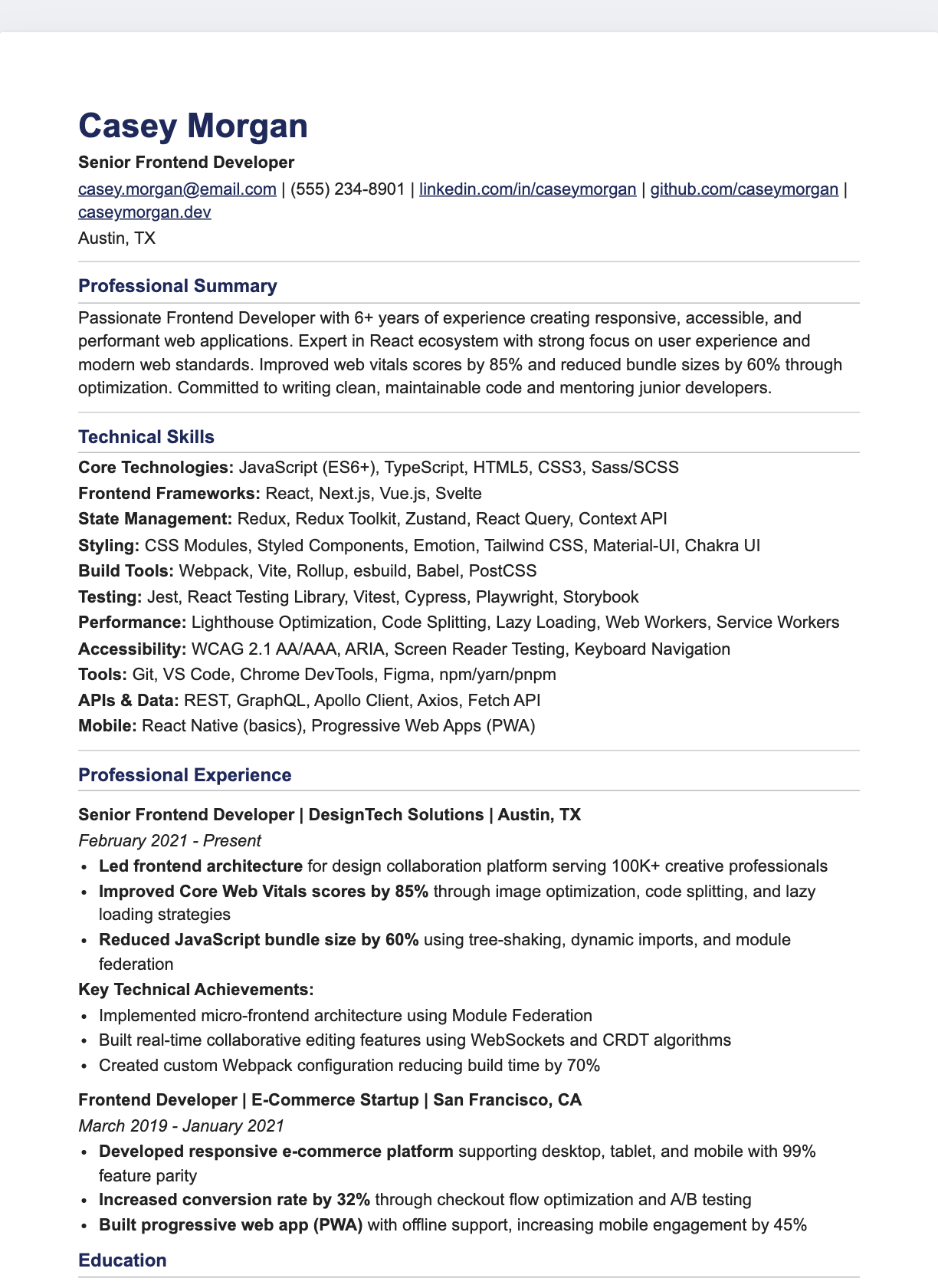
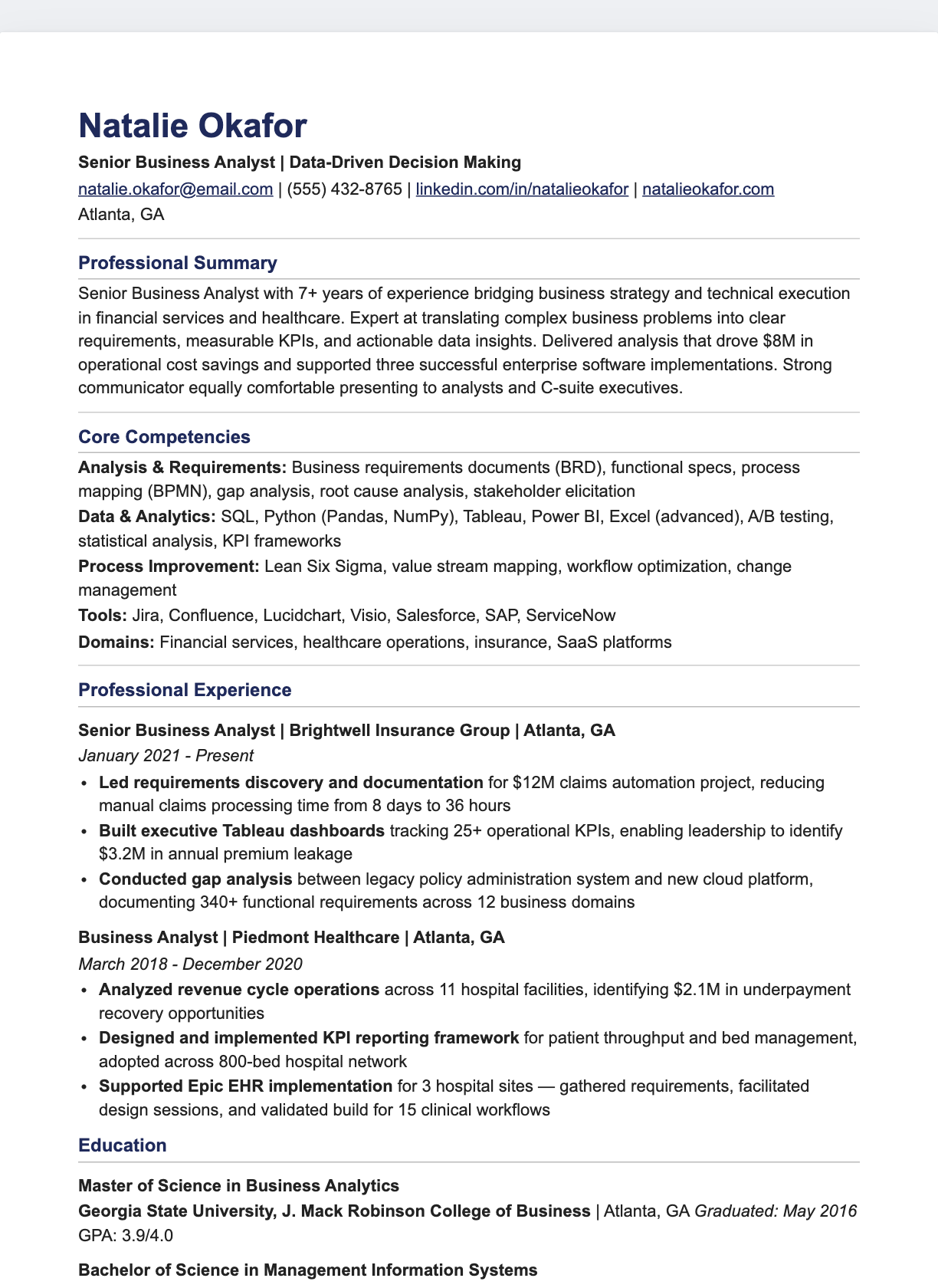
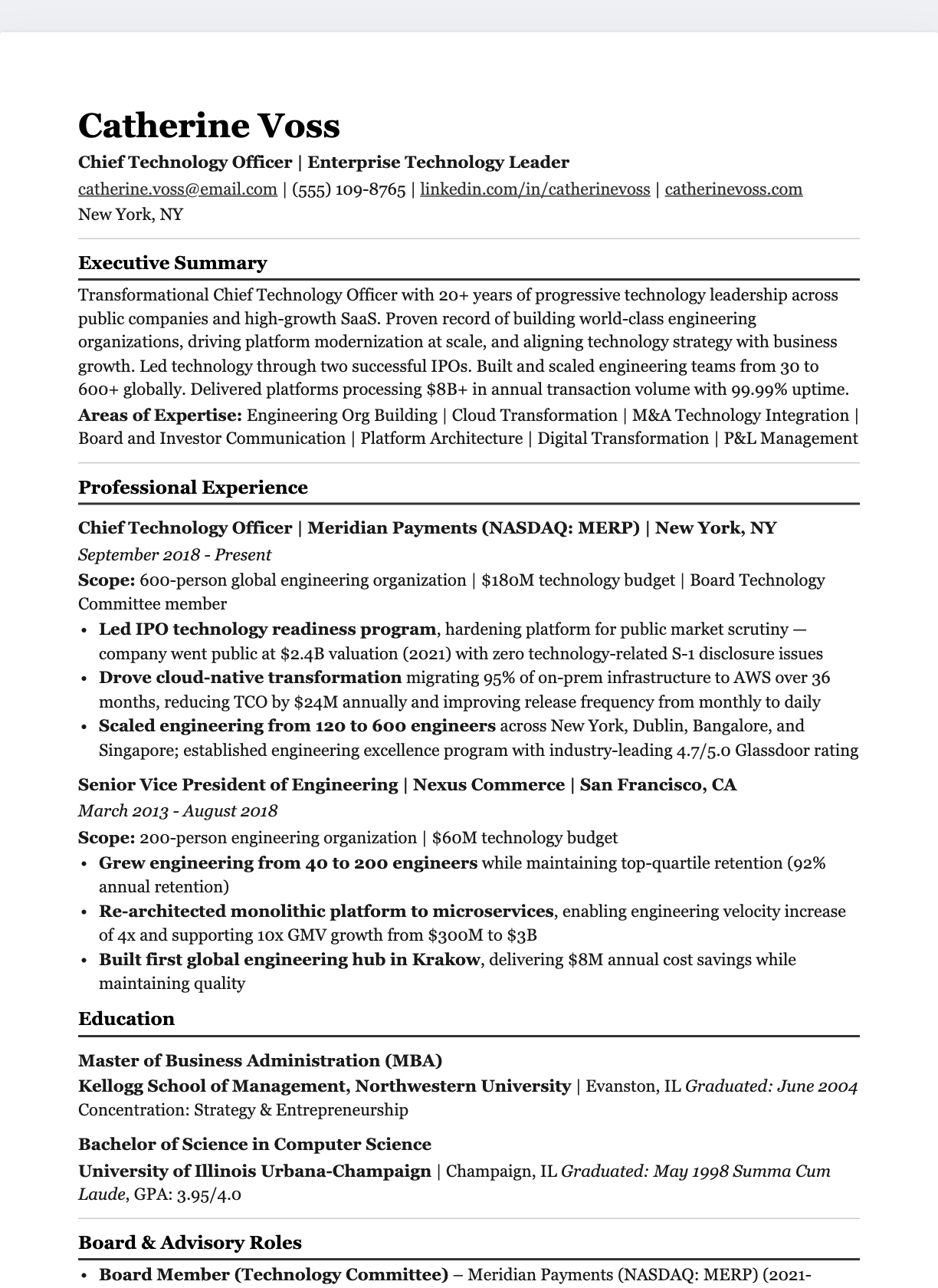
Compact Single-Column
Google Docs resume template.
Dense one-column layout with uppercase labels
Sample content shown. Replace it with your own experience.
FROM TEMPLATE TO YOUR RESUME
Three steps. Your own story.
- 01
Make your own copy
Use “Make a copy in Google Docs” above and sign in to your Google account. Save your own editable copy; the original stays unchanged.
- 02
Replace the sample content
Add your experience, contact details, and relevant skills. Adjust the typography and spacing in Google Docs, then check page breaks.
- 03
Download and review
Choose File → Download, then PDF or Word to match the employer’s requirements. Check text selection, reading order, and links before sending.
THE DESIGN IS ONLY THE START
Give every line a purpose.
Use relevant achievements, clear section headings, and details you can explain. A template provides structure; your experience makes it convincing.