LESS FORMATTING. MORE YOU.
A free Markdown
resume builder.
A clearer next chapter.
Turn your experience into a thoughtfully designed resume. Write in Markdown, see it take shape, and export a PDF you’re ready to share.
Free PDF export · No account required
The editor works best on a laptop or desktop.
# Alex Morgan
Software Engineer

## Experience
**Software Engineer**
Northstar Studio

- Built accessible interfaces
- Improved API performance
- Wrote integration tests

## Skills
TypeScript · React · SQL
Alex MorganSOFTWARE ENGINEER
[email protected] · github.com/alex
PROFILE
Thoughtful software. Clear interfaces. Reliable systems.
EXPERIENCE
Software EngineerNorthstar Studio
- Built accessible interfaces
- Improved API performance
- Wrote integration tests
SKILLS
TypeScript · React · SQL
A SIMPLE WORKFLOW
From your first line
to your next opportunity.
Keep the focus on what you’ve done.
Let the layout follow your lead.
Write your story.
Start with an example or your own Markdown. Add your experience, projects, skills, and the details that make the work yours.
Make it feel like you.
Choose from 10 themes. Adjust the fonts, colors, and spacing while your resume takes shape in the live preview.
Take it with you.
Export a PDF with selectable text. Review the final document, keep a copy of your source, and tailor it for your next application.
A HEAD START, IN YOUR STYLE
Resume templates.
Ready for your story.
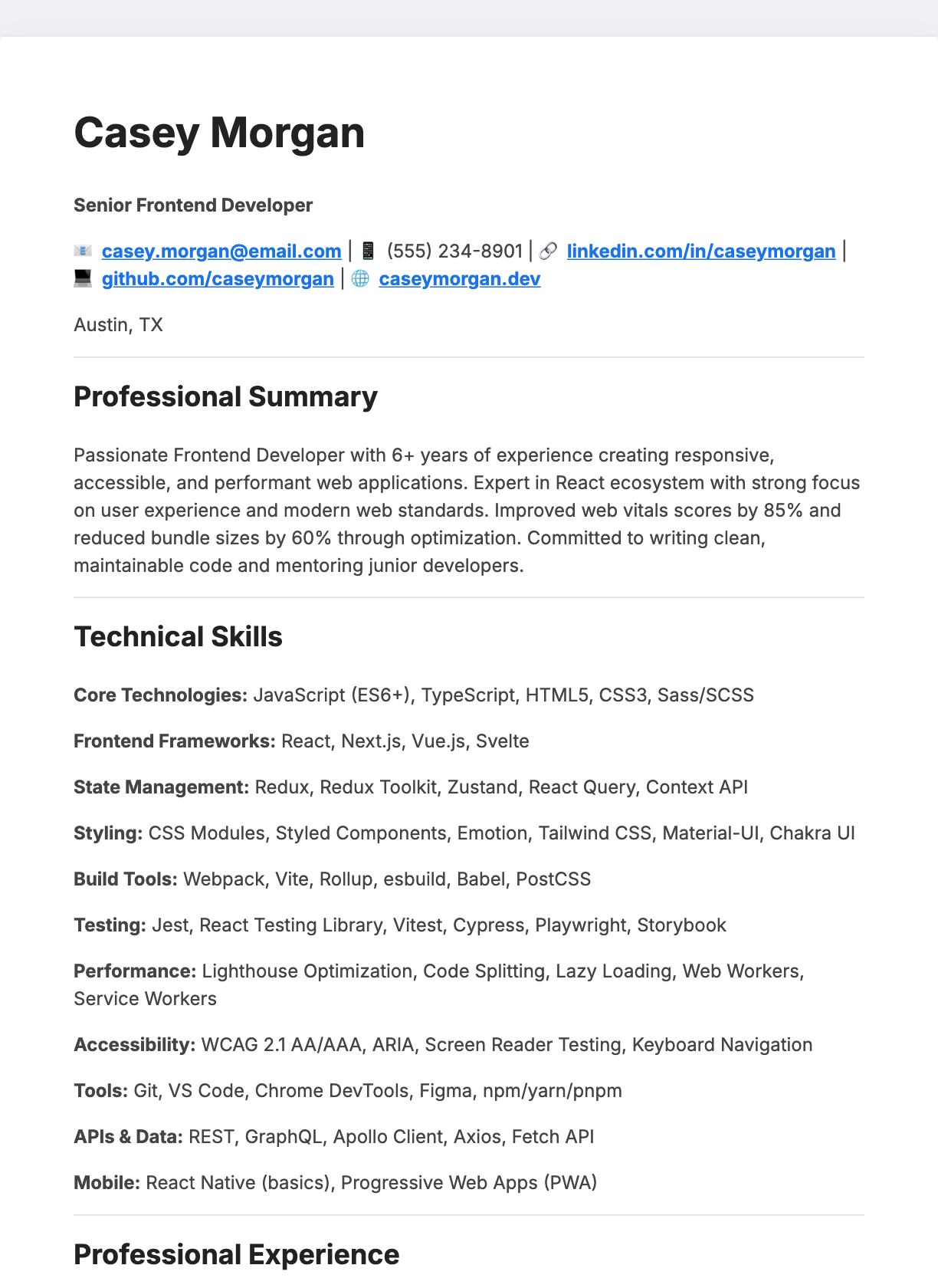
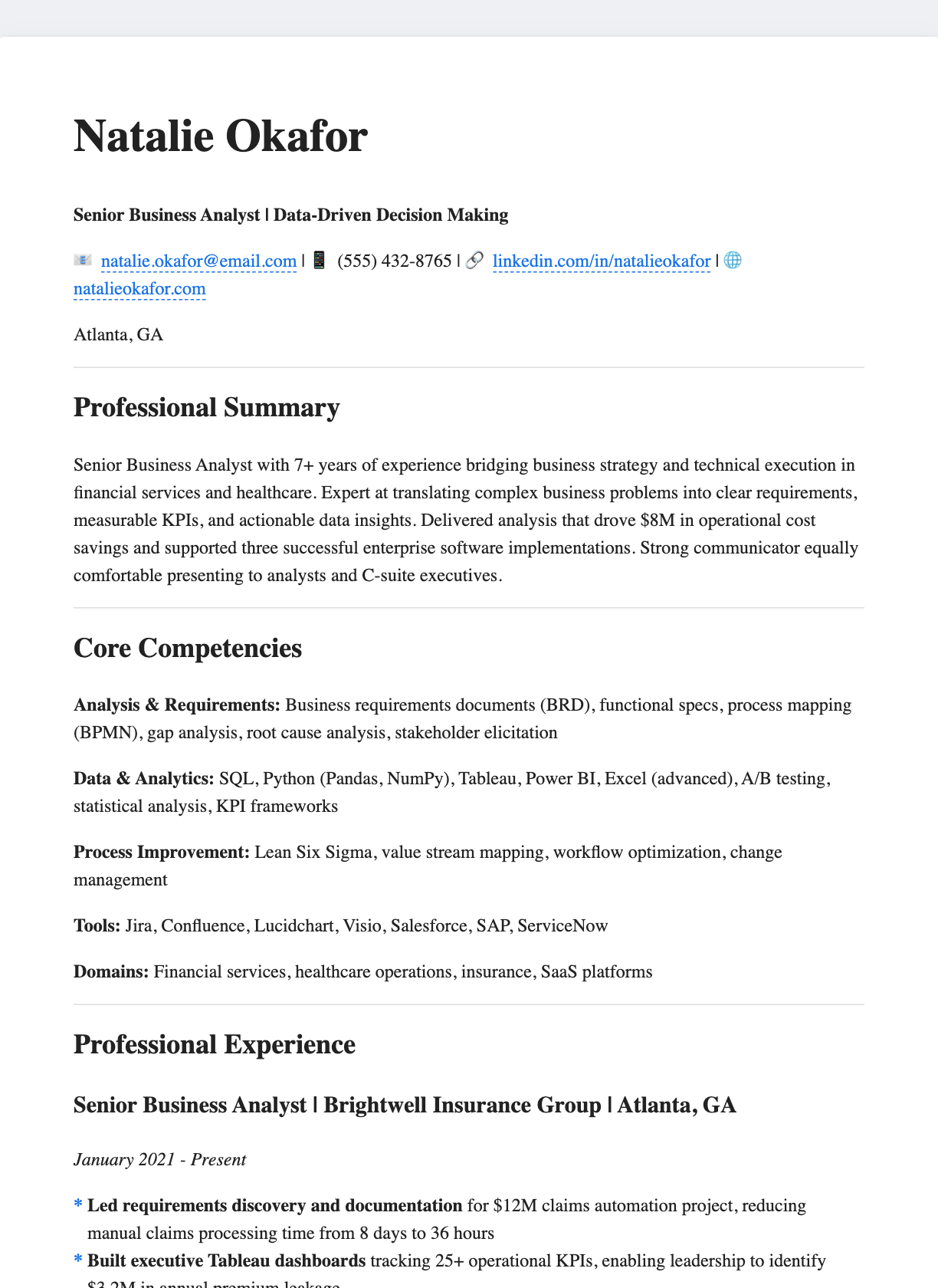
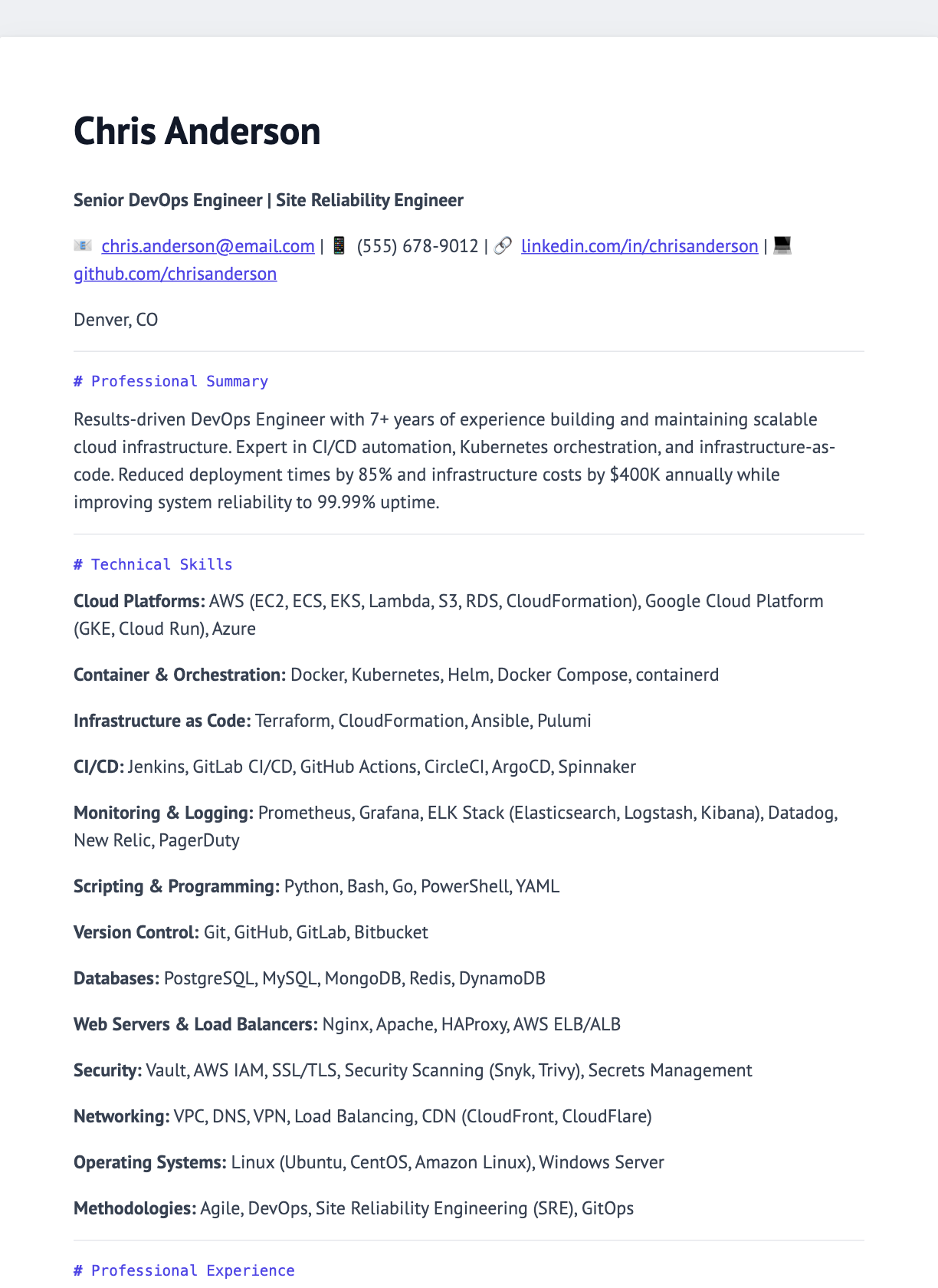
CONTENT FIRST. ALWAYS.
Why write a resume
in Markdown?
Plain text makes your experience easier to edit, reuse, and keep under version control. Change a bullet for a new role without rebuilding the whole document.
Try the Markdown editorYour content stays readable.
Headings, bullets, and links give your source a simple structure. Keep a copy in any text editor or your own repository.
Style can change. Your story stays.
Switch themes and fine-tune spacing without rewriting your experience. Watch the layout update in the live preview.
Export text people can work with.
Create a selectable-text PDF with clear sections. Follow each employer’s file requirements and verify the exported document before applying.
A FEW THINGS TO KNOW
Questions?
Start here.
A little clarity before you write.
Is the Markdown resume builder really free?
Yes. You can write your resume, customize its theme, and export a PDF for free. You do not need to create an account to use the editor.
Do I need to know Markdown?
You only need a few basics: use # for a heading, **bold** for emphasis, and a dash for a bullet. Start with an example, replace its content with your own, and check the live preview as you write.
Can I create an ATS-friendly resume?
Use a straightforward layout, familiar section headings, and relevant skills supported by your experience. PDF exports contain selectable text. Applicant tracking systems vary, so follow the employer’s requested file format and check any fields filled in from your resume.
Can I change the fonts, colors, and spacing?
Yes. Choose from 10 editor themes, then adjust typography, colors, margins, and section spacing. The live preview lets you see how each change affects the layout before exporting.
Where is my draft saved?
The editor saves your Markdown draft in this browser’s local storage. It does not sync across devices, and clearing browser data can remove it. Keep a separate copy of your Markdown. PDF export sends the rendered resume to the server to create your download.
Can I use the editor on my phone?
The editor is designed for medium-sized screens and larger. For the best writing and preview experience, use a laptop or desktop. You can browse templates, examples, and guides on your phone.
FROM THE JOURNAL
A little guidance
for your next move.
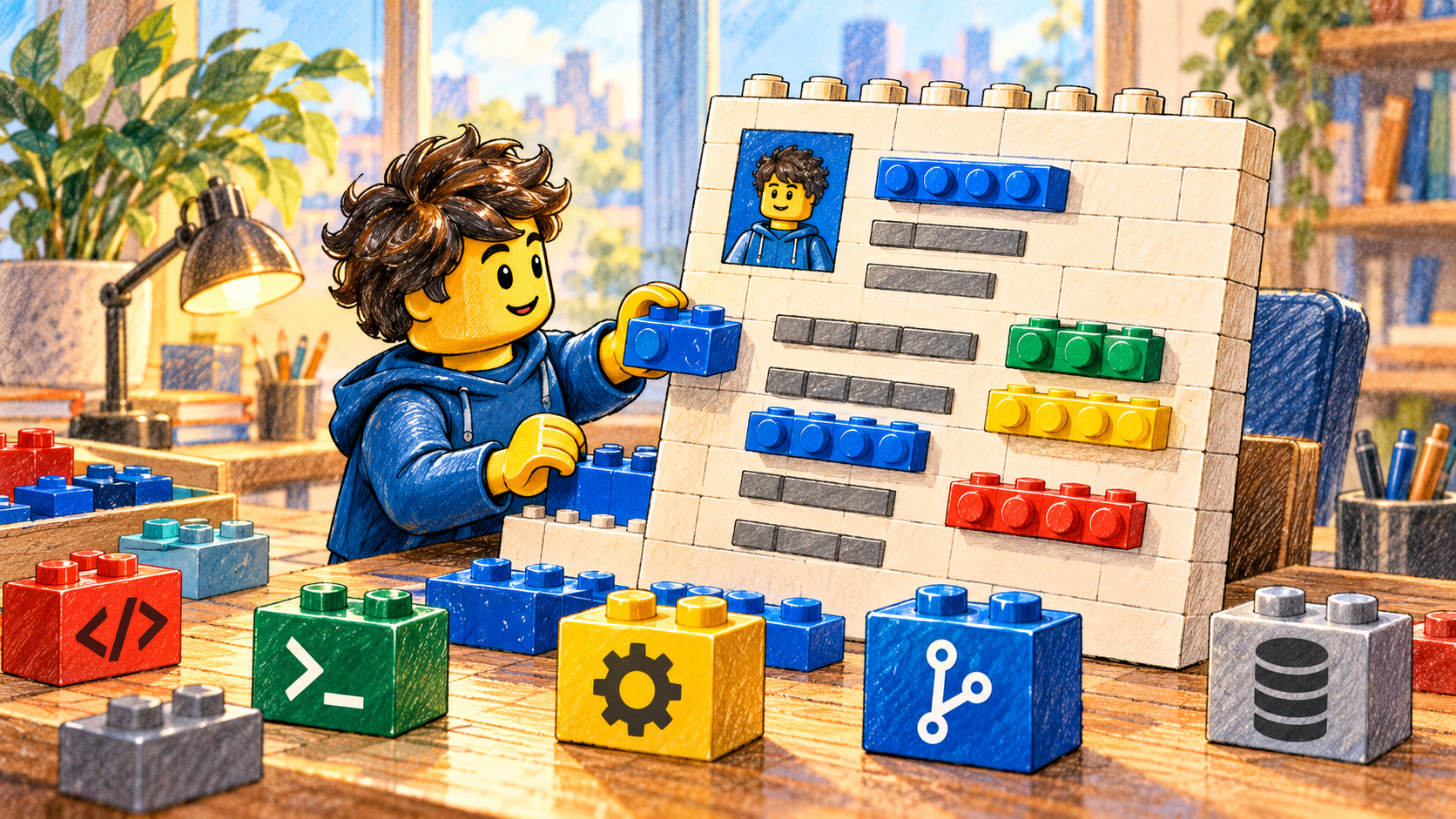

MAKE ROOM FOR WHAT’S NEXT
Your experience deserves
a clear introduction.
Start with your words. We’ll help with the presentation.
Build my free resume No sign-up. Free PDF export.